Creation Date: Jan 31, 2026 Created By: Pukhraj Dhamu
Redis is a high-performance in-memory database commonly used for caching, session storage, queues, and real-time data processing. To run the Zezo OTT API smoothly, setting up a Redis database is highly recommended.
In this guide, I’ll walk you through how to create your own Redis database step by step, using a managed Redis cloud service.
Watch Video On YouTube
Why You Need Redis
Redis helps your application by:
- Improving API performance
- Storing sessions and tokens
- Handling background jobs and queues
- Reducing database load
Using a managed Redis service saves time and avoids operational complexity.
Visit Redis.io
1. Click on Try Redis for free
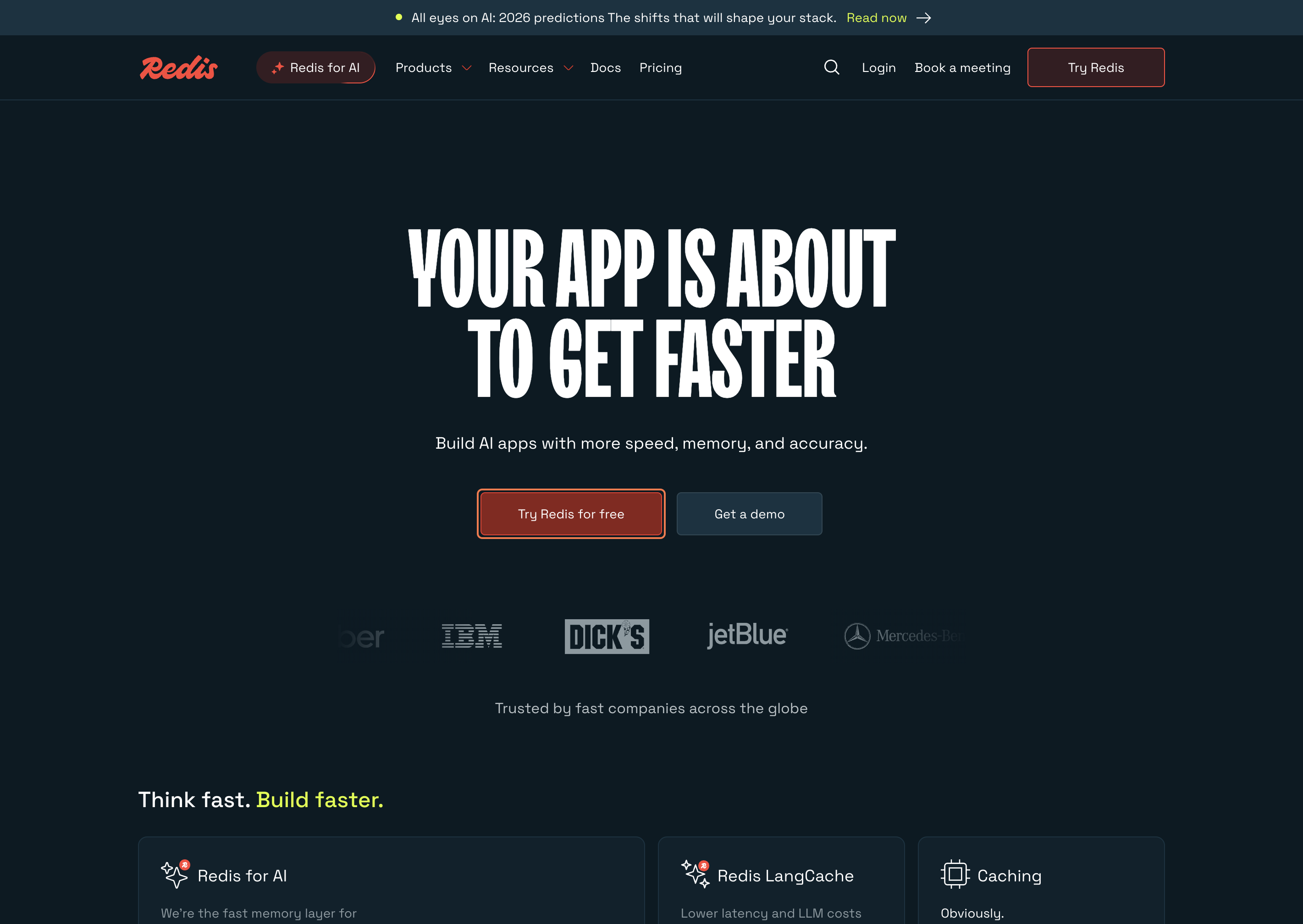
2. Click on Sign up with Google
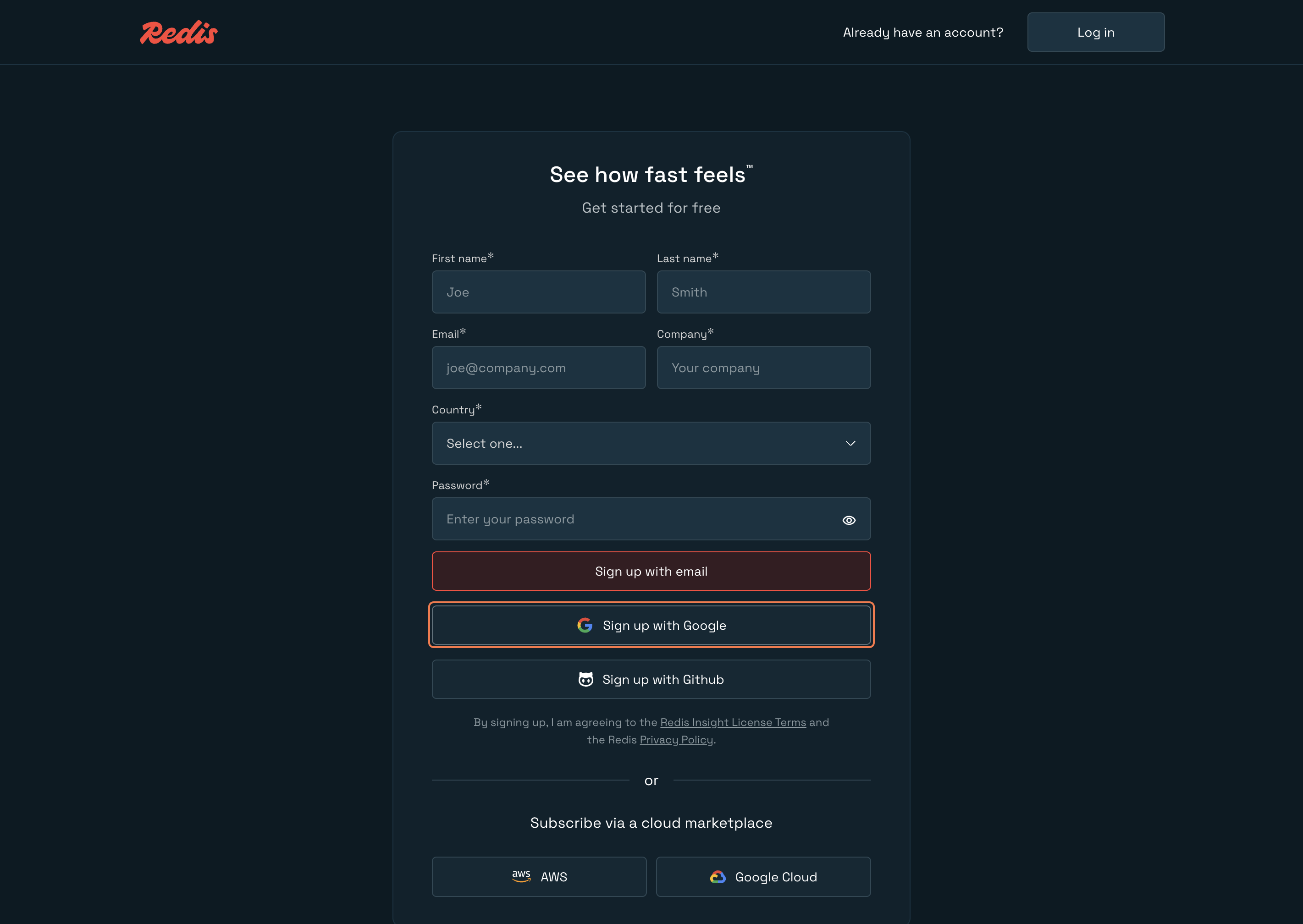
Sign in - Google Accounts
3. Select your account
4. Click on Continue
Redis Cloud Console
5. Click on New database
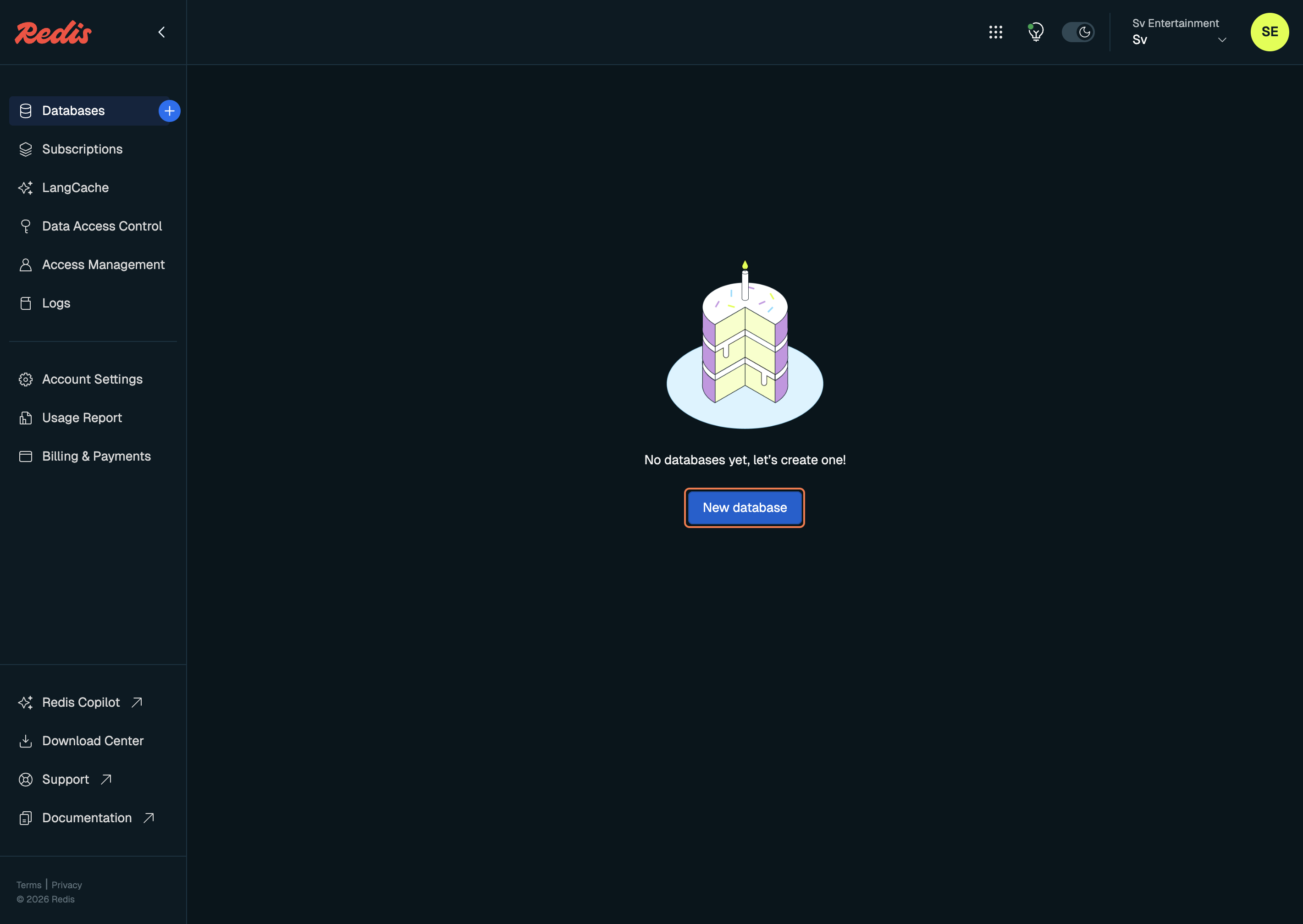
6. Click on Just try it
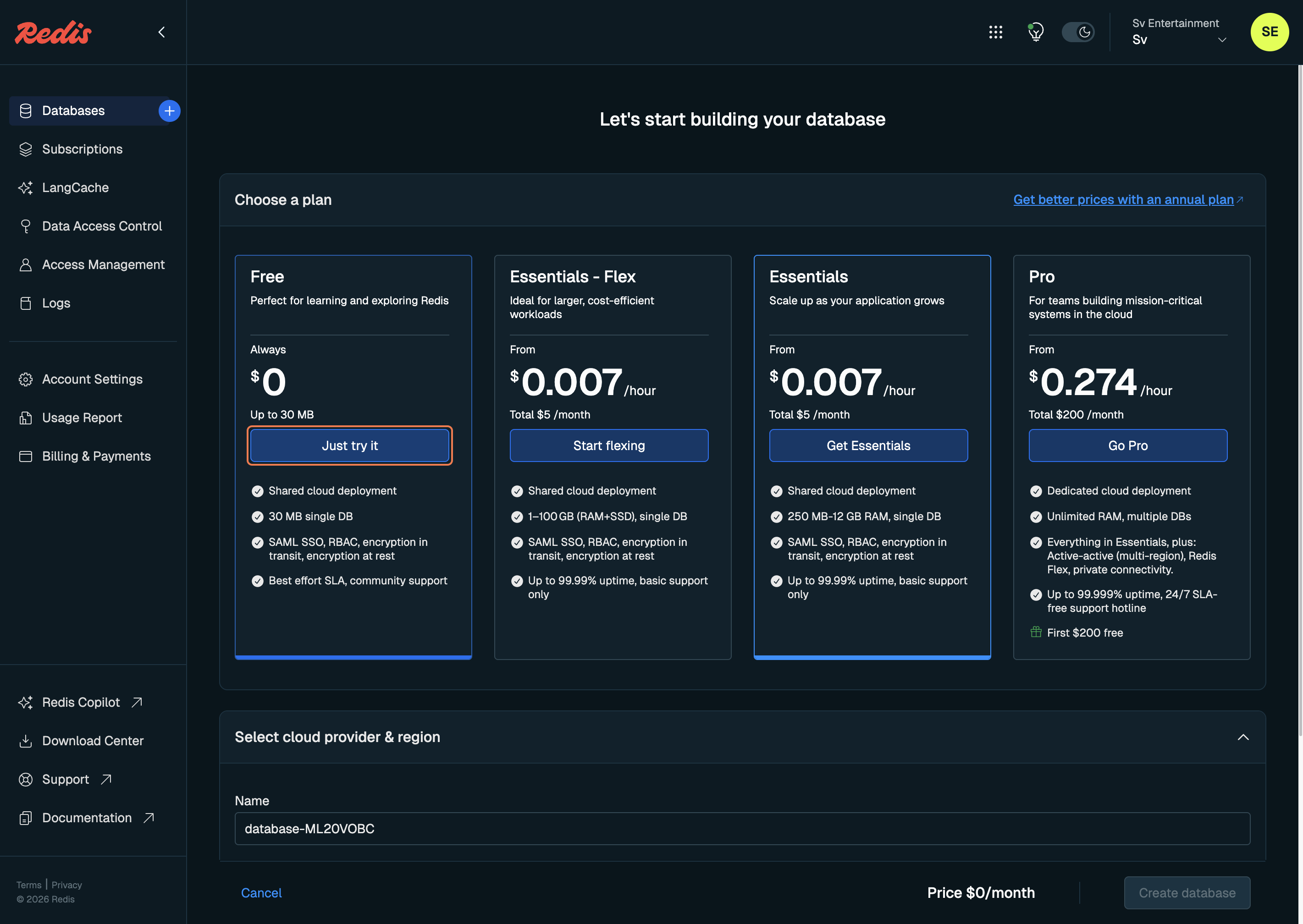
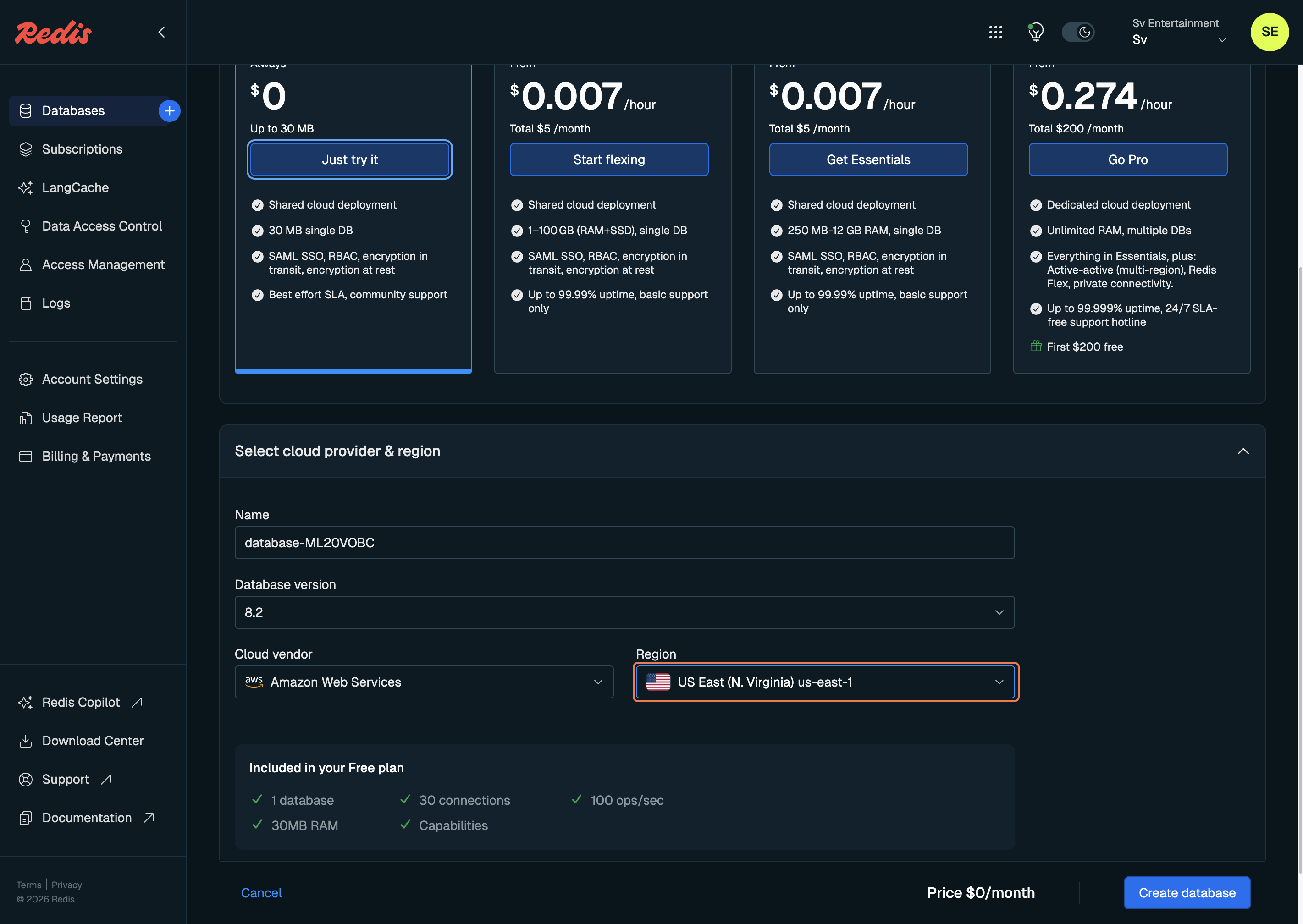
7. Click on the Region option if you want to change it.
8. Click on Asia Pacific (Mumbai). You can select a different region if you prefer.
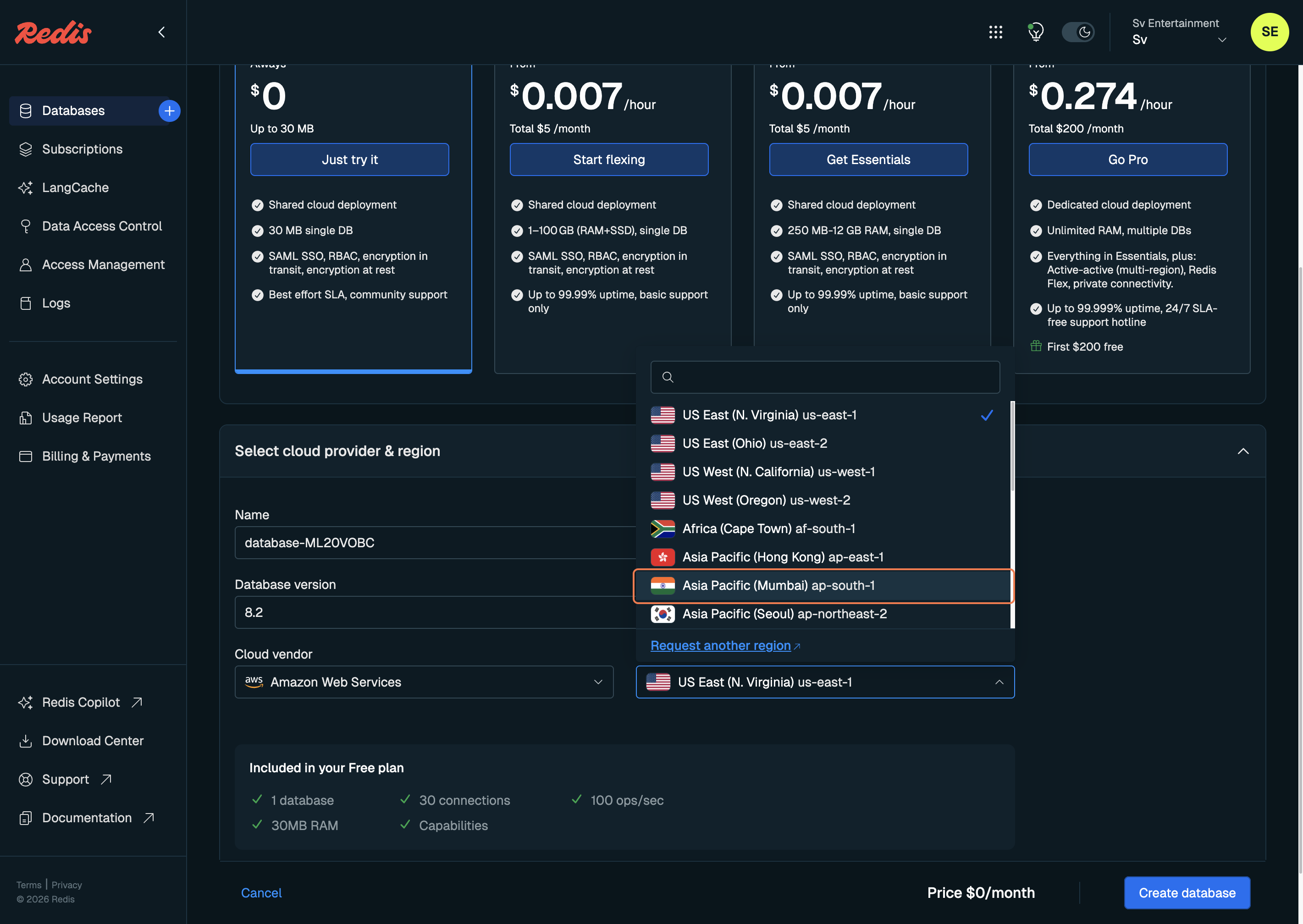
9. Click on Create database
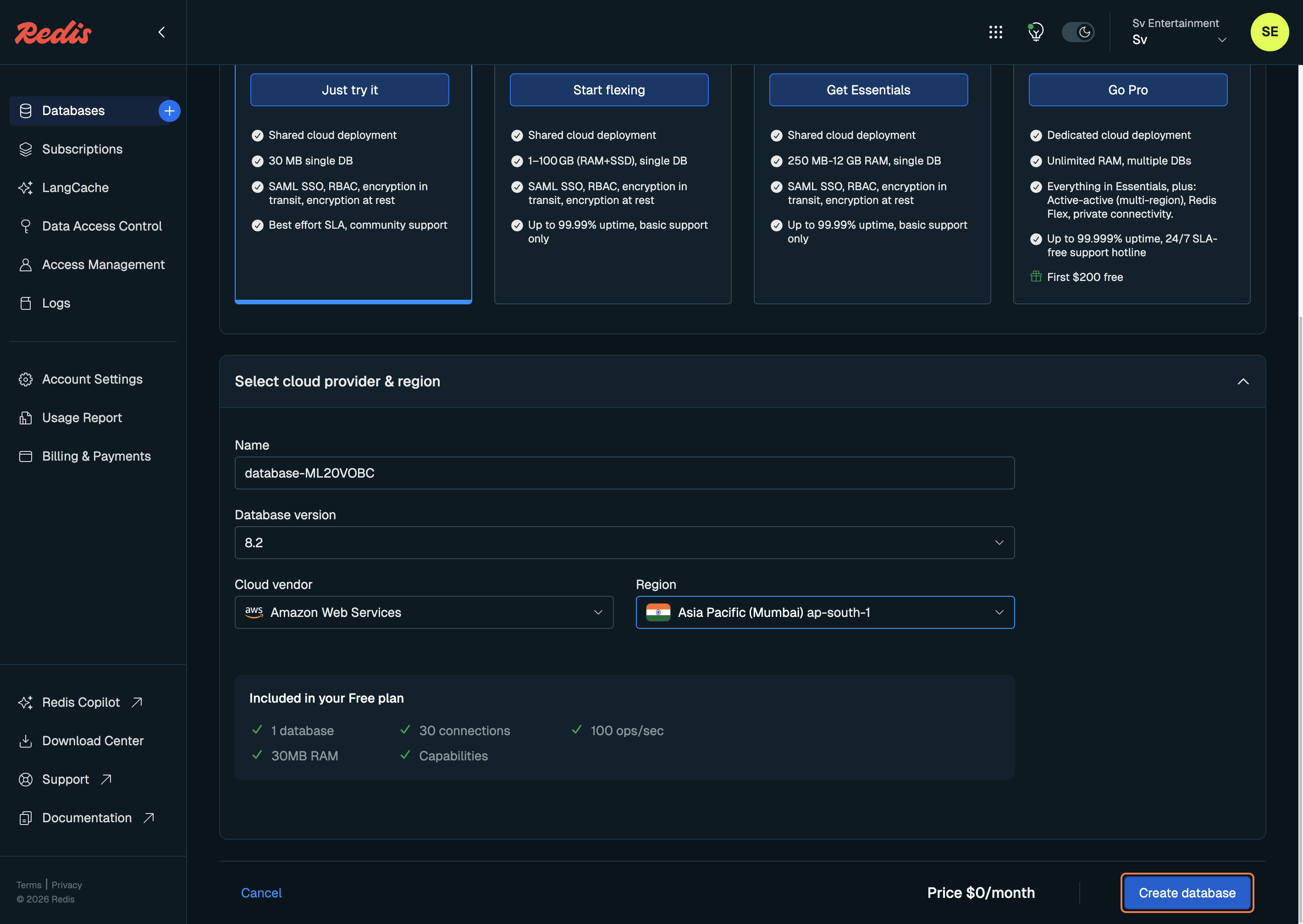
10. Click on Connect
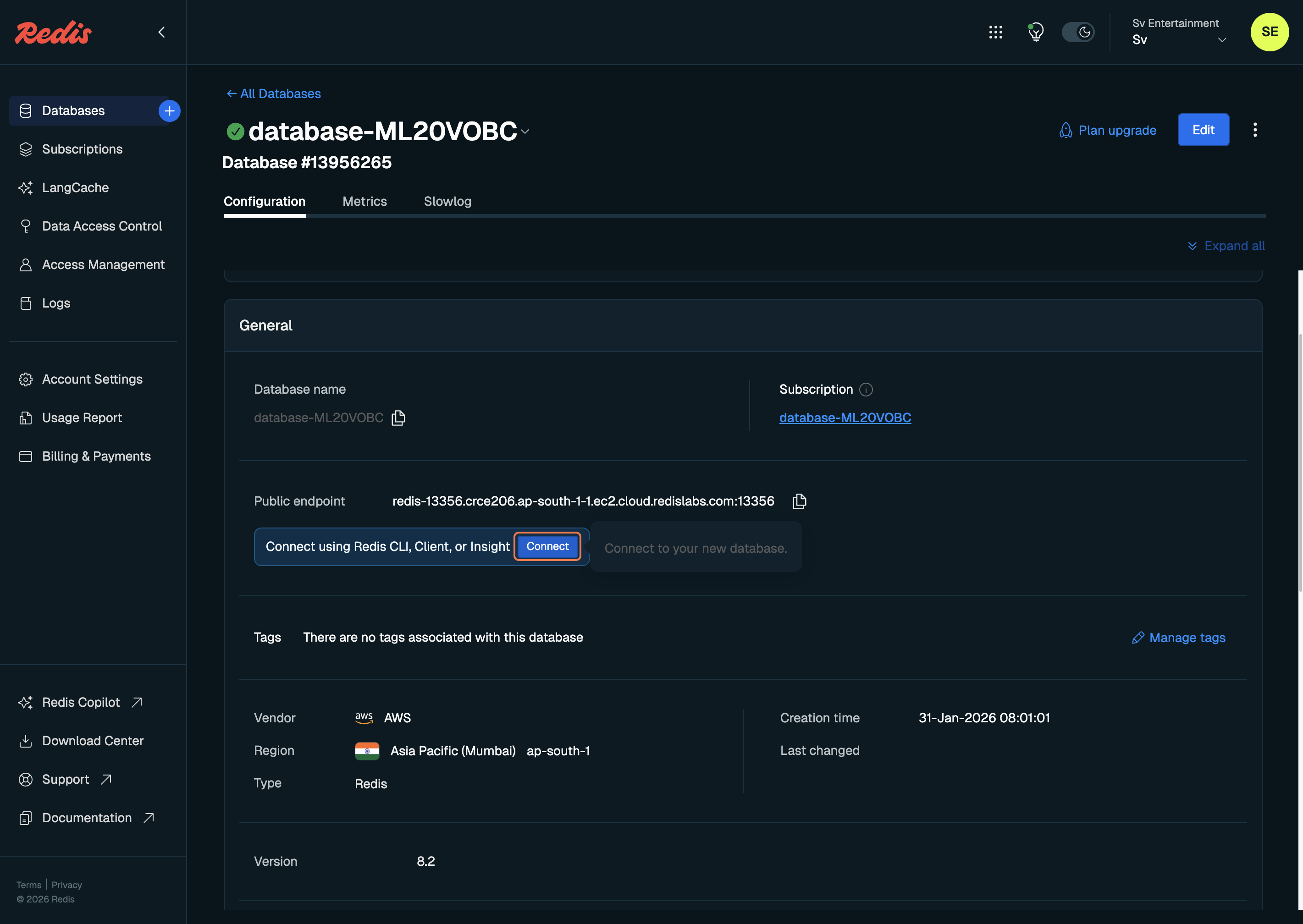
11. Click on Redis CLI
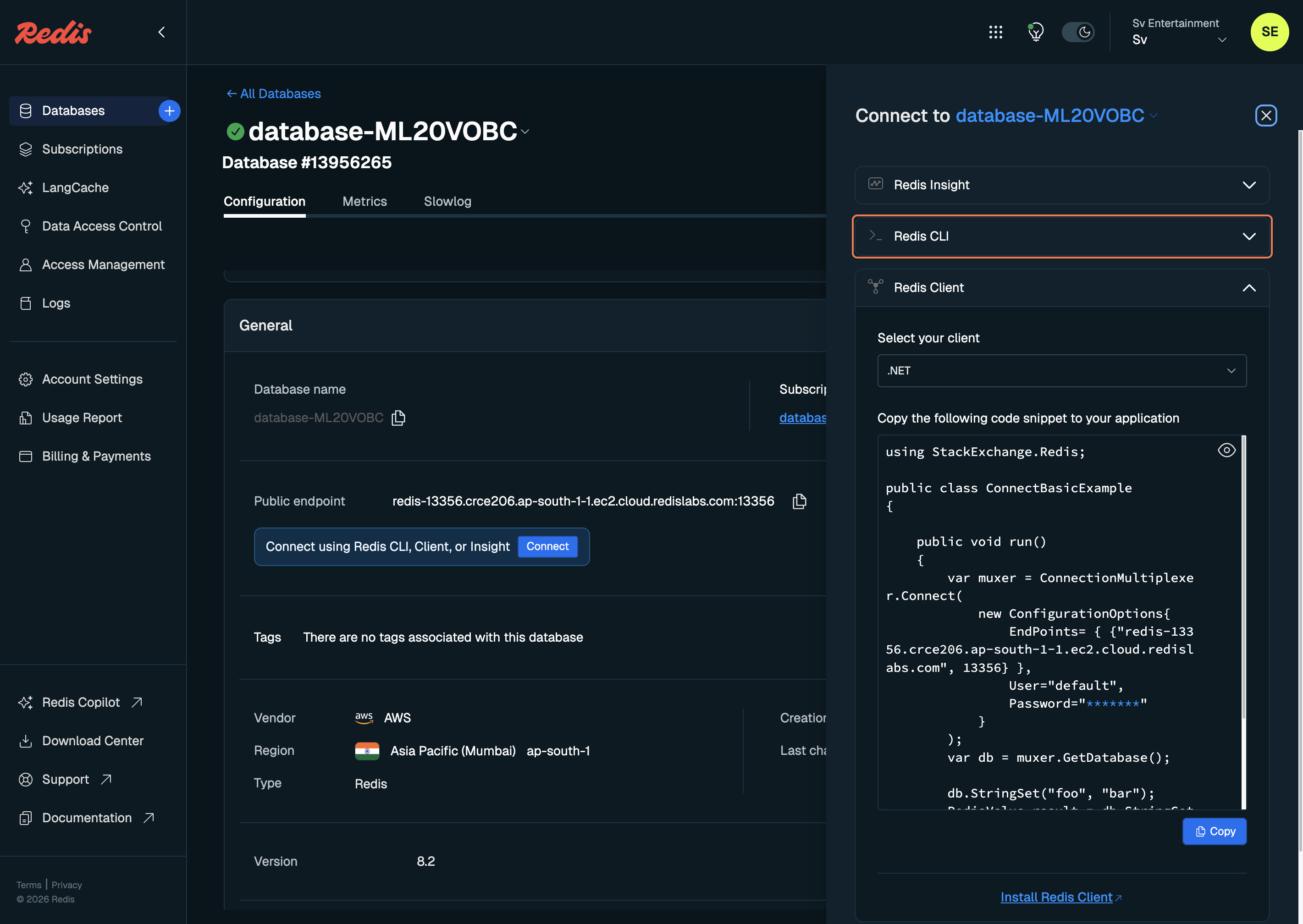
12. Click on Copy
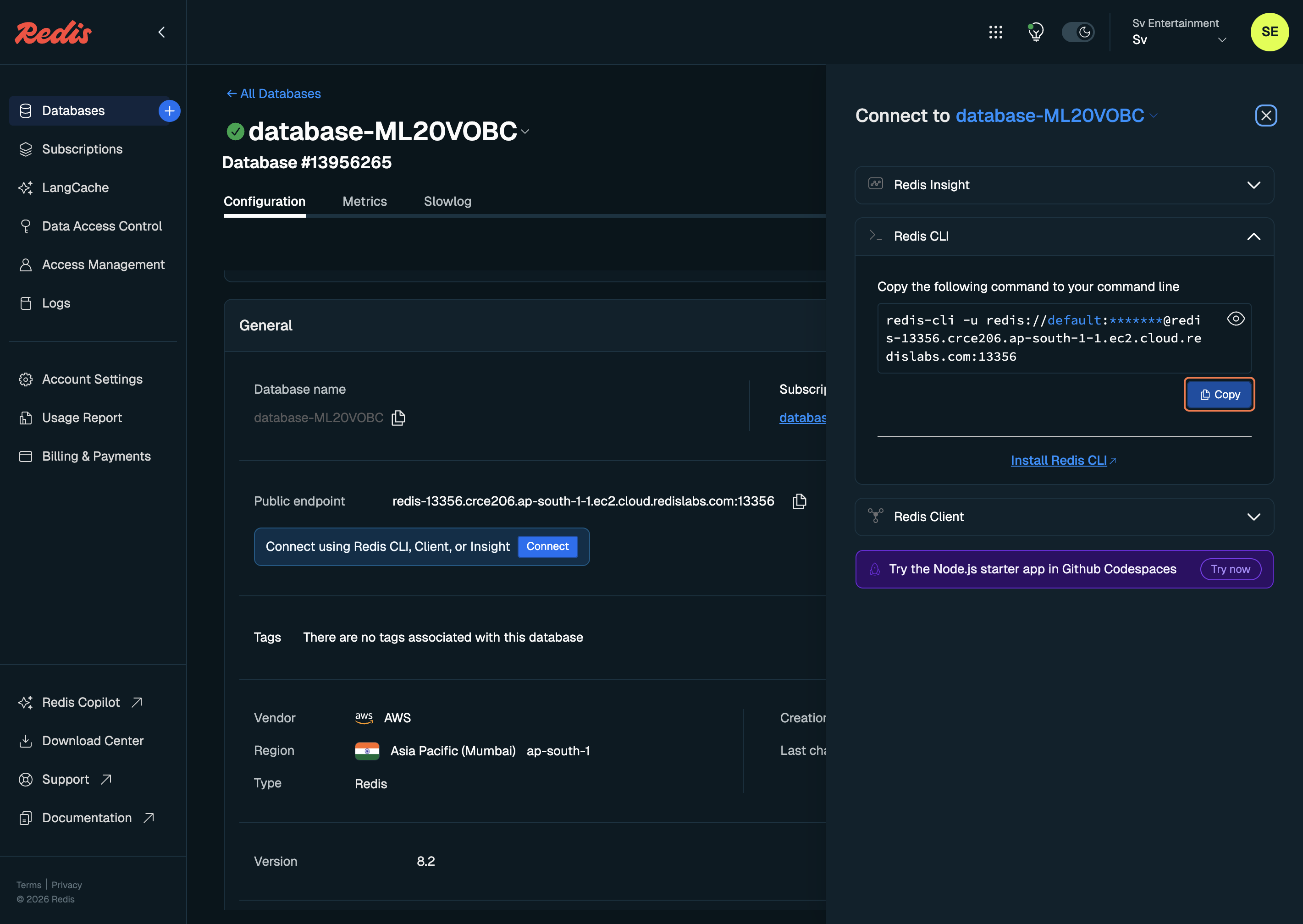
After copying the Redis CLI command, you’ll see it in this format:
redis-cli -u redis://default:PpsLqLurehYuJaYdGXuTB6HUC1bgppP4@redis-13356.crce206.ap-south-1-1.ec2.cloud.redislabs.com:13356
You must ignore the redis-cli -u part from the beginning.
Only copy the Redis connection URL, like this:
redis://default:PpsLqLurehYuJaYdGXuTB6HUC1bgppP4@redis-13356.crce206.ap-south-1-1.ec2.cloud.redislabs.com:13356
Now paste this URL into your environment variables:
REDIS_URL=redis://default:PpsLqLurehYuJaYdGXuTB6HUC1bgppP4@redis-13356.crce206.ap-south-1-1.ec2.cloud.redislabs.com:13356
✅ That’s it! Your Redis database is now correctly configured and ready to use.