🔐 Configure Secrets for Zezo OTT using Infisical
Managing environment variables securely is critical for any production-grade OTT platform. This guide walks you through setting up secrets for Zezo OTT using Infisical, a modern secrets management platform, in a clean and beginner-friendly way.
Watch Video On YouTube
We’ll cover:
- Creating an Infisical account
- Setting up a Zezo OTT project
- Generating Machine Identity credentials
- Collecting Client ID, Client Secret, and Project ID for your backend
🌐 Step 1: Sign in to Infisical
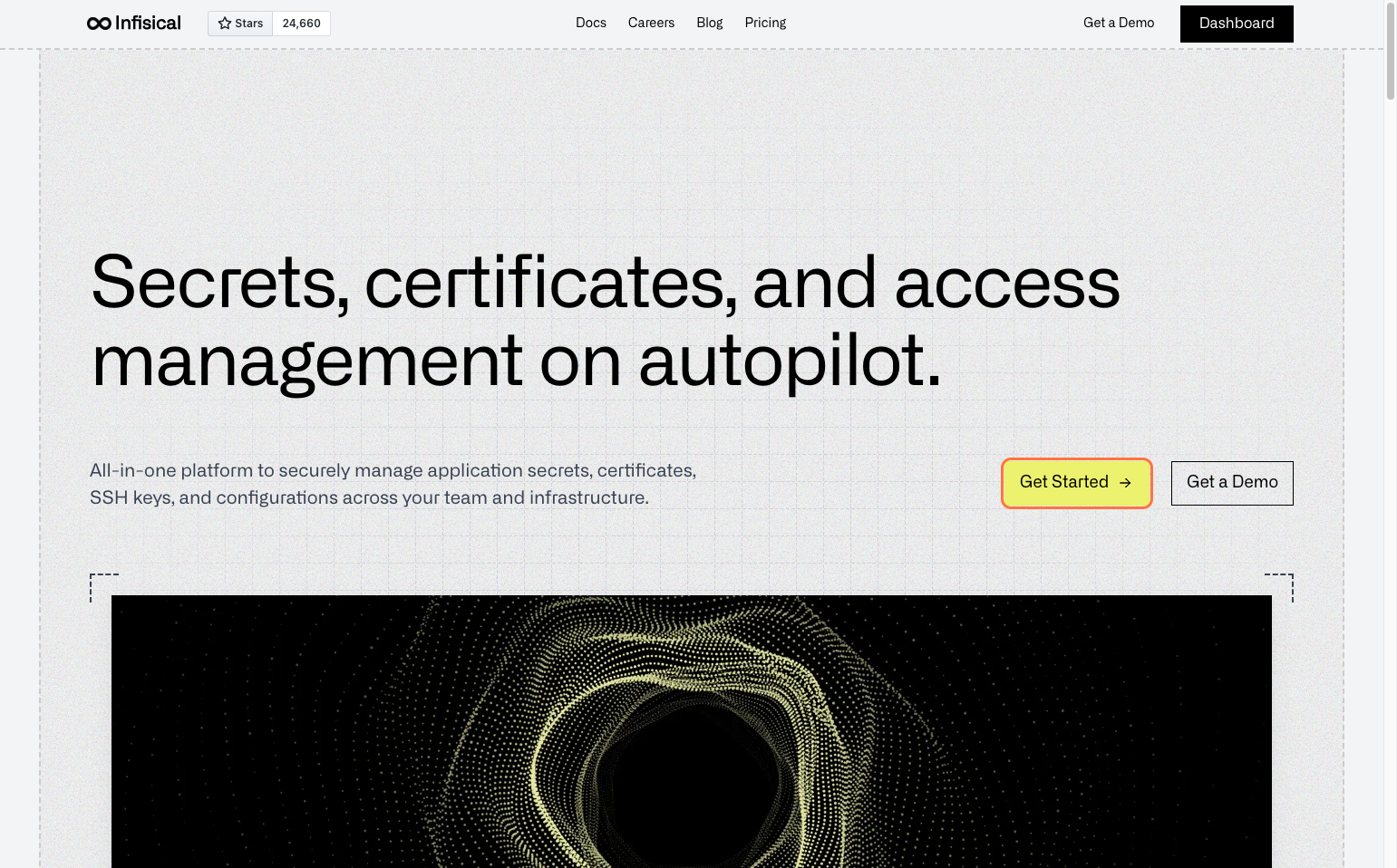
- Visit Infisical
- Click Get Started
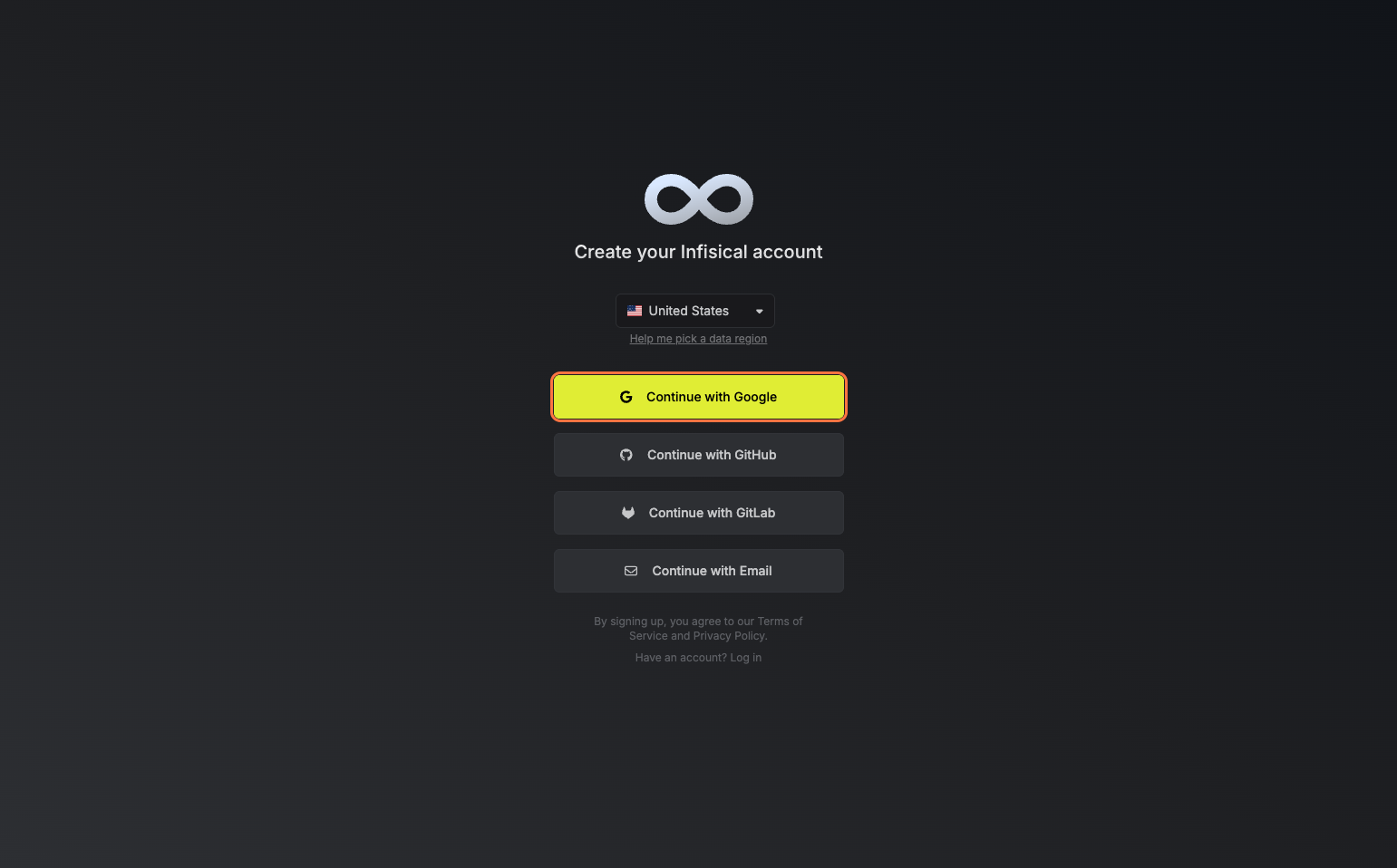
- Choose Continue with Google and complete sign-in
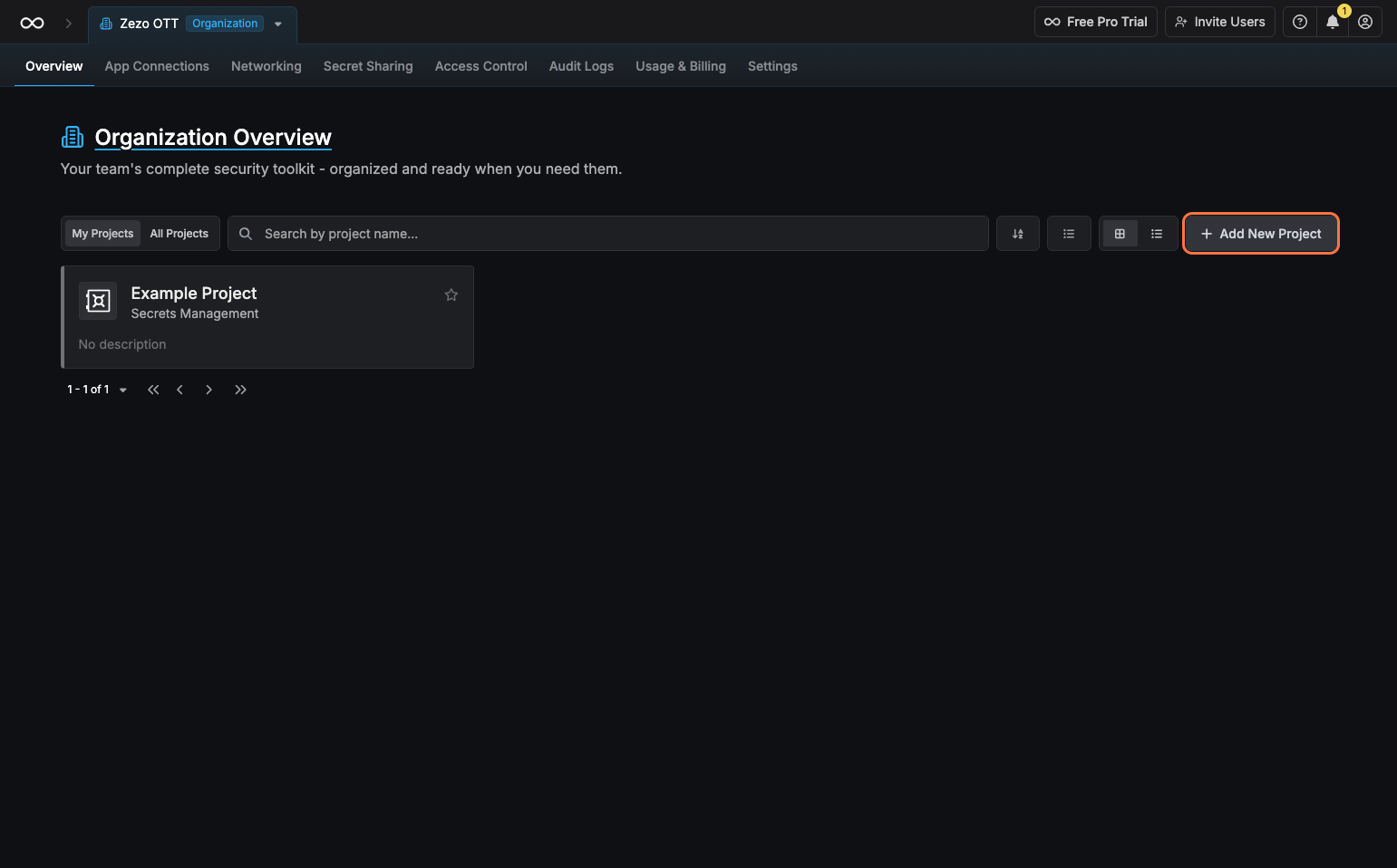
📦 Step 2: Create a New Project
- Click Add New Project
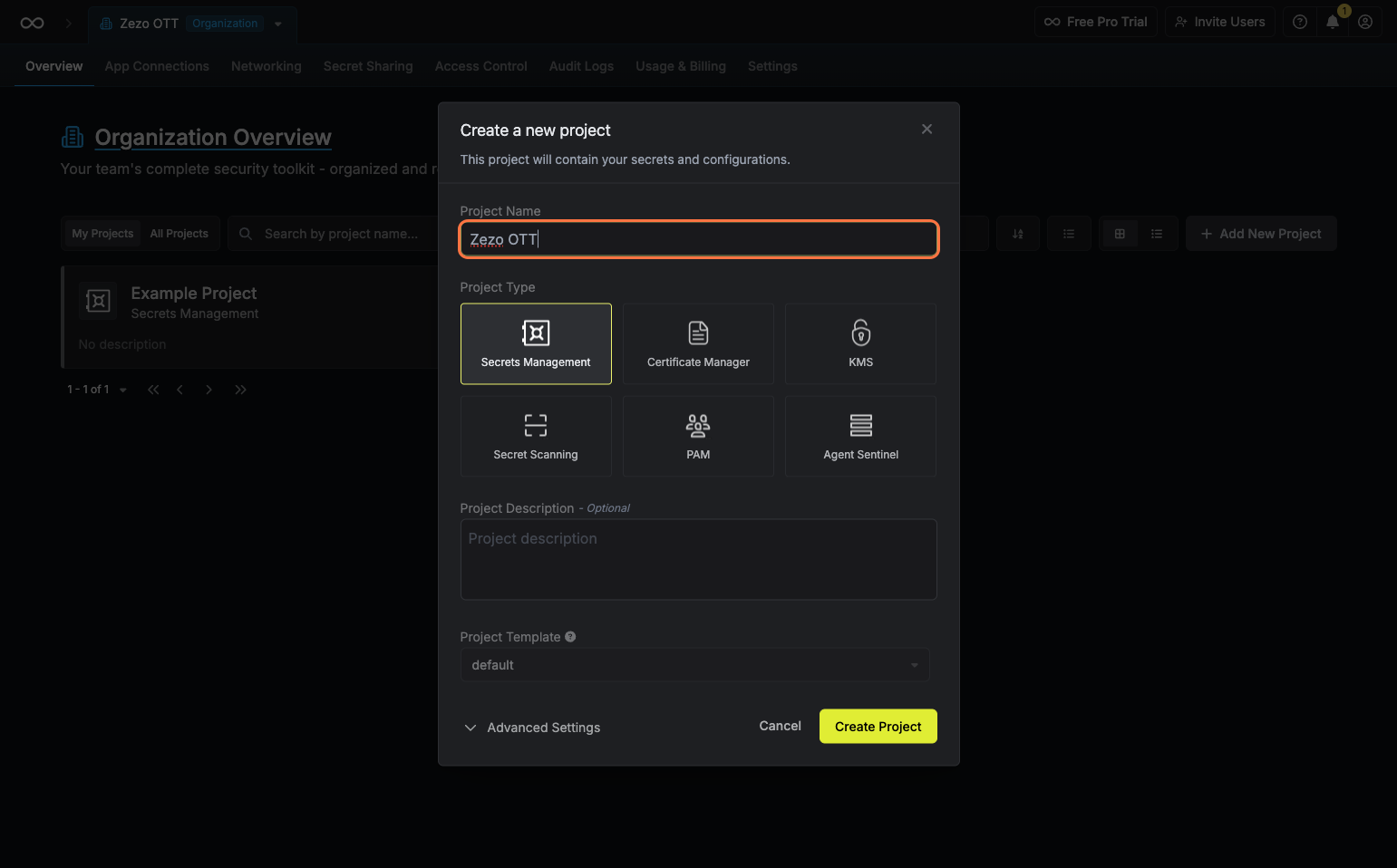
- Enter the project name: Zezo OTT
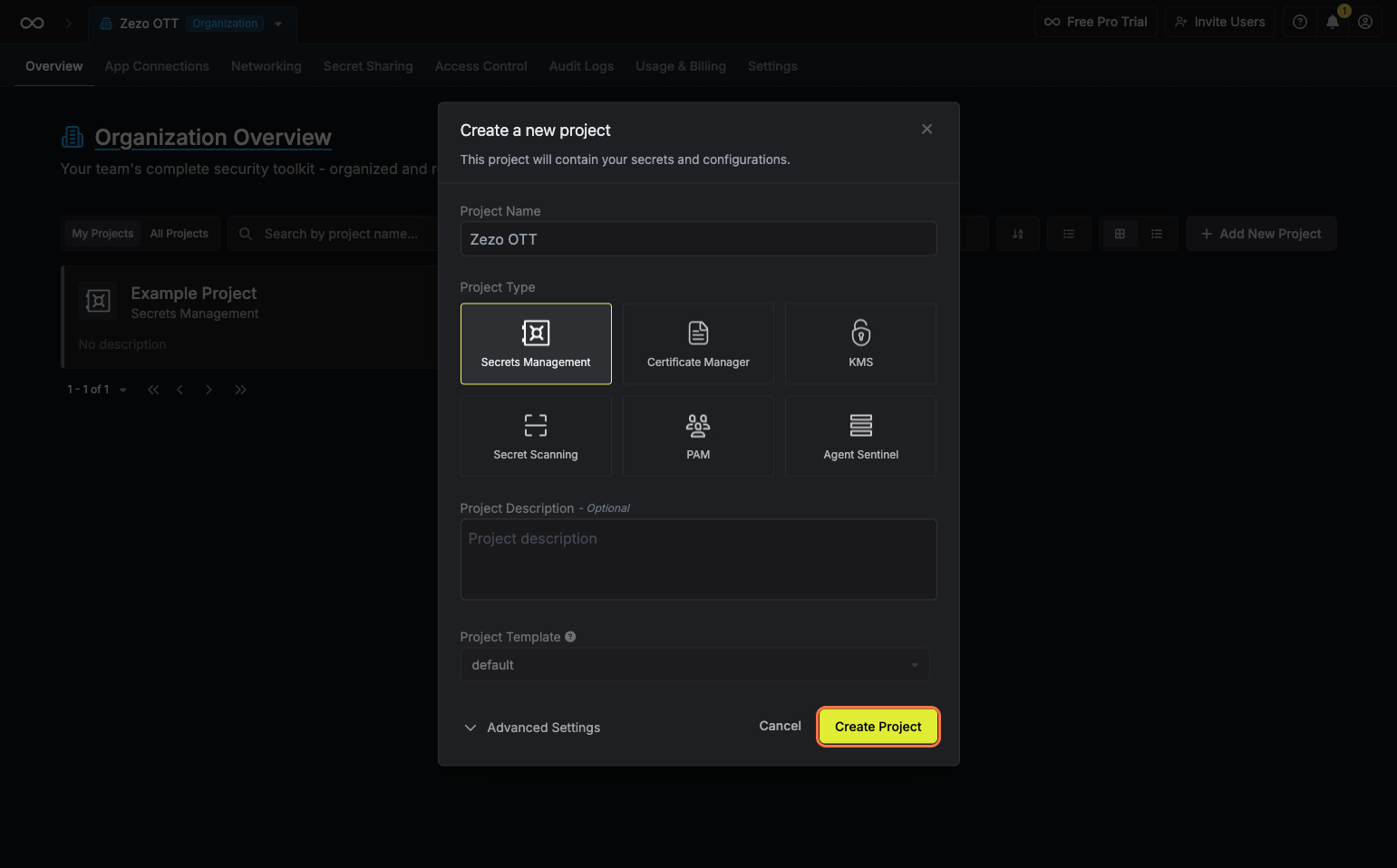
- Click Create Project
This project will securely store all your Zezo OTT secrets.
🔐 Step 3: Create a Machine Identity (Backend Access)
Machine Identities are used by servers (not humans) to securely fetch secrets.
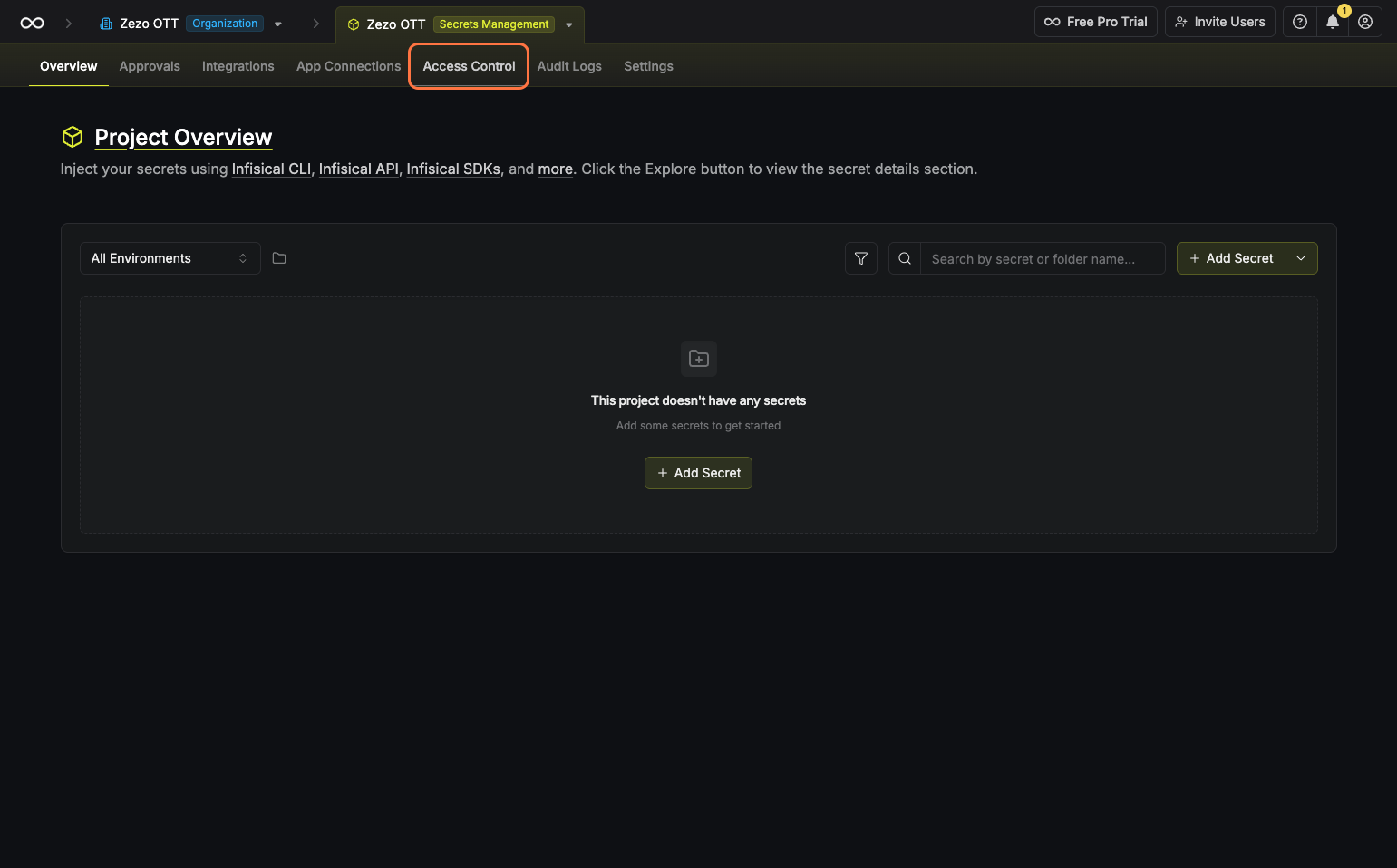
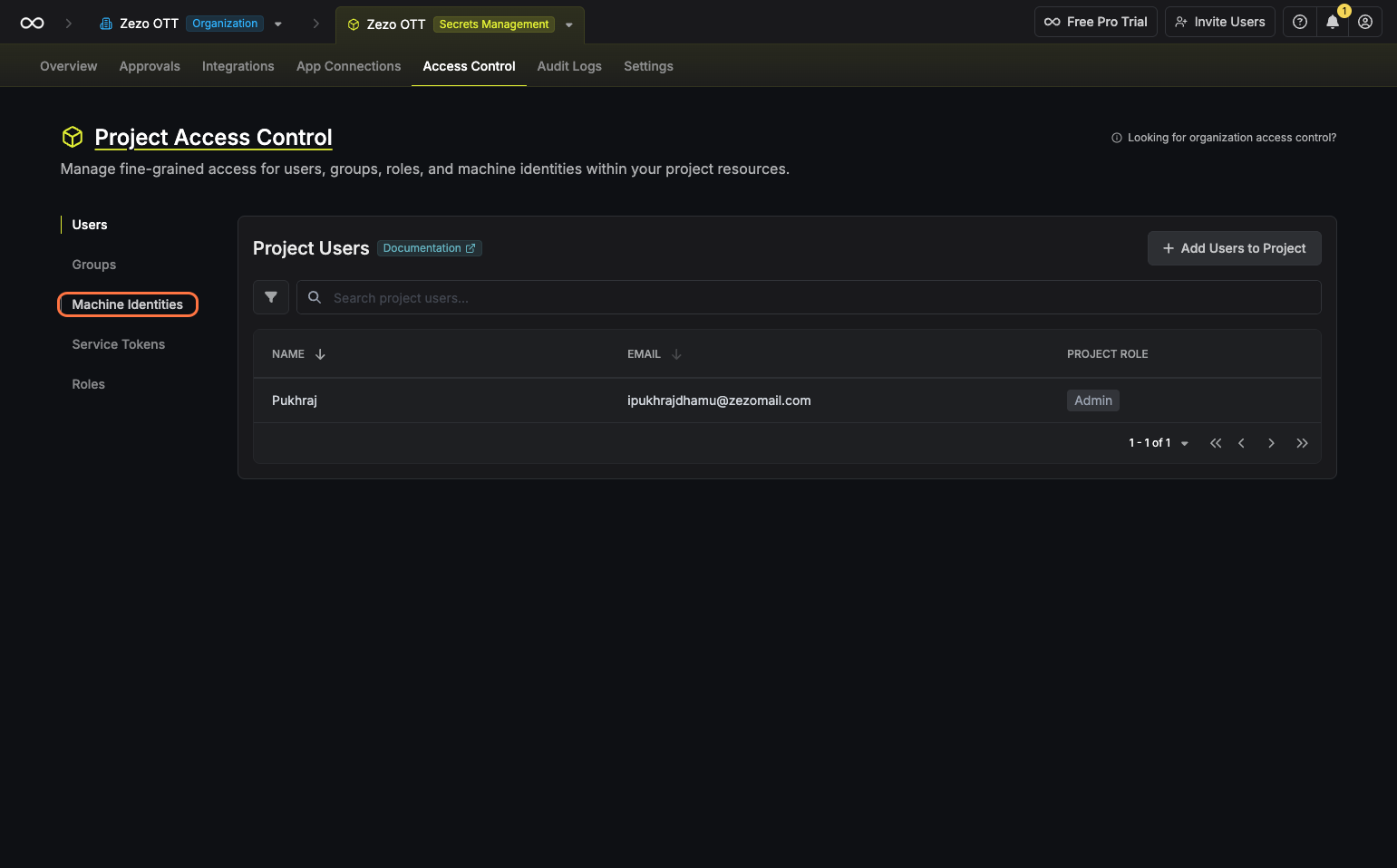
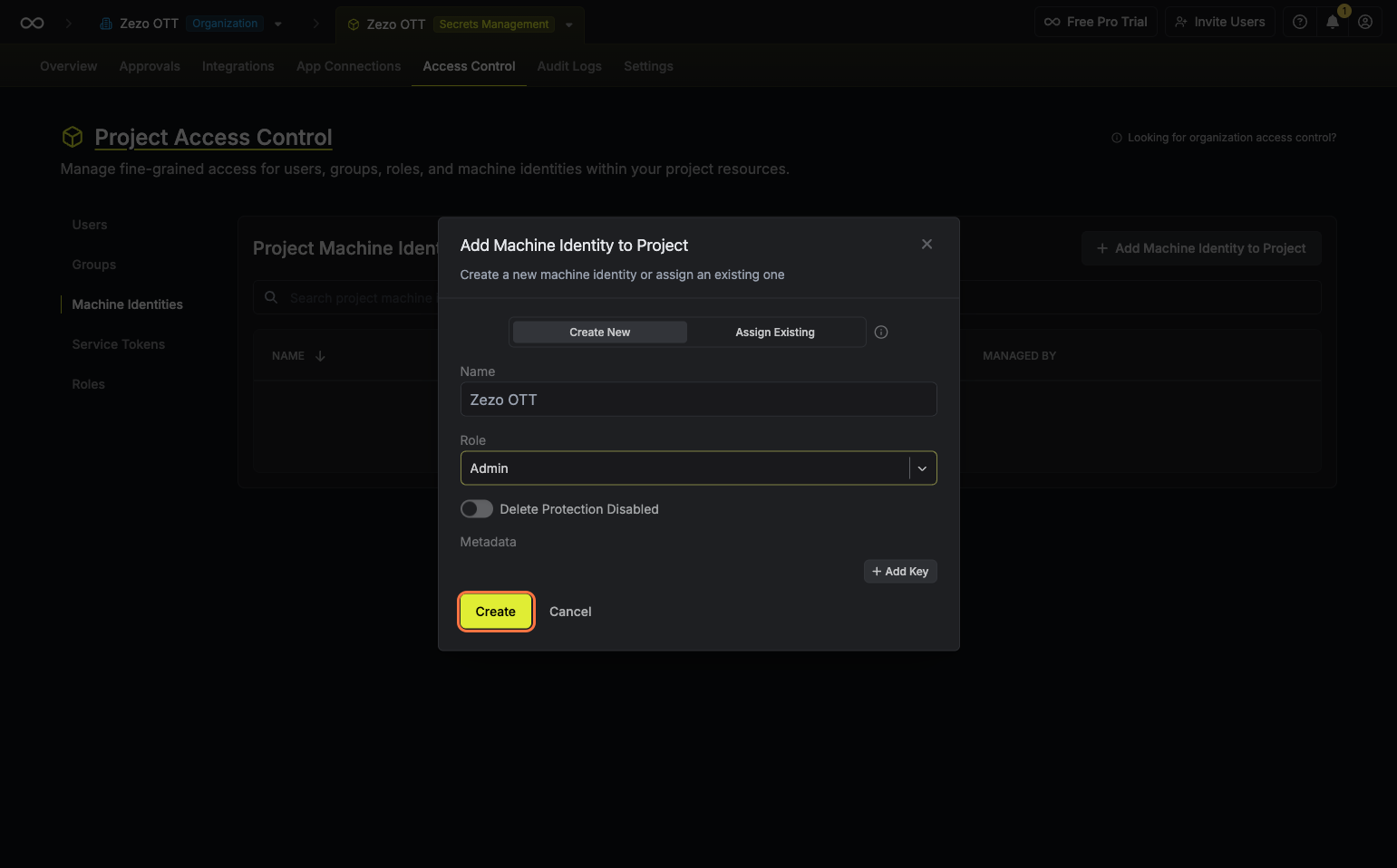
- Open Access Control
- Go to Machine Identities
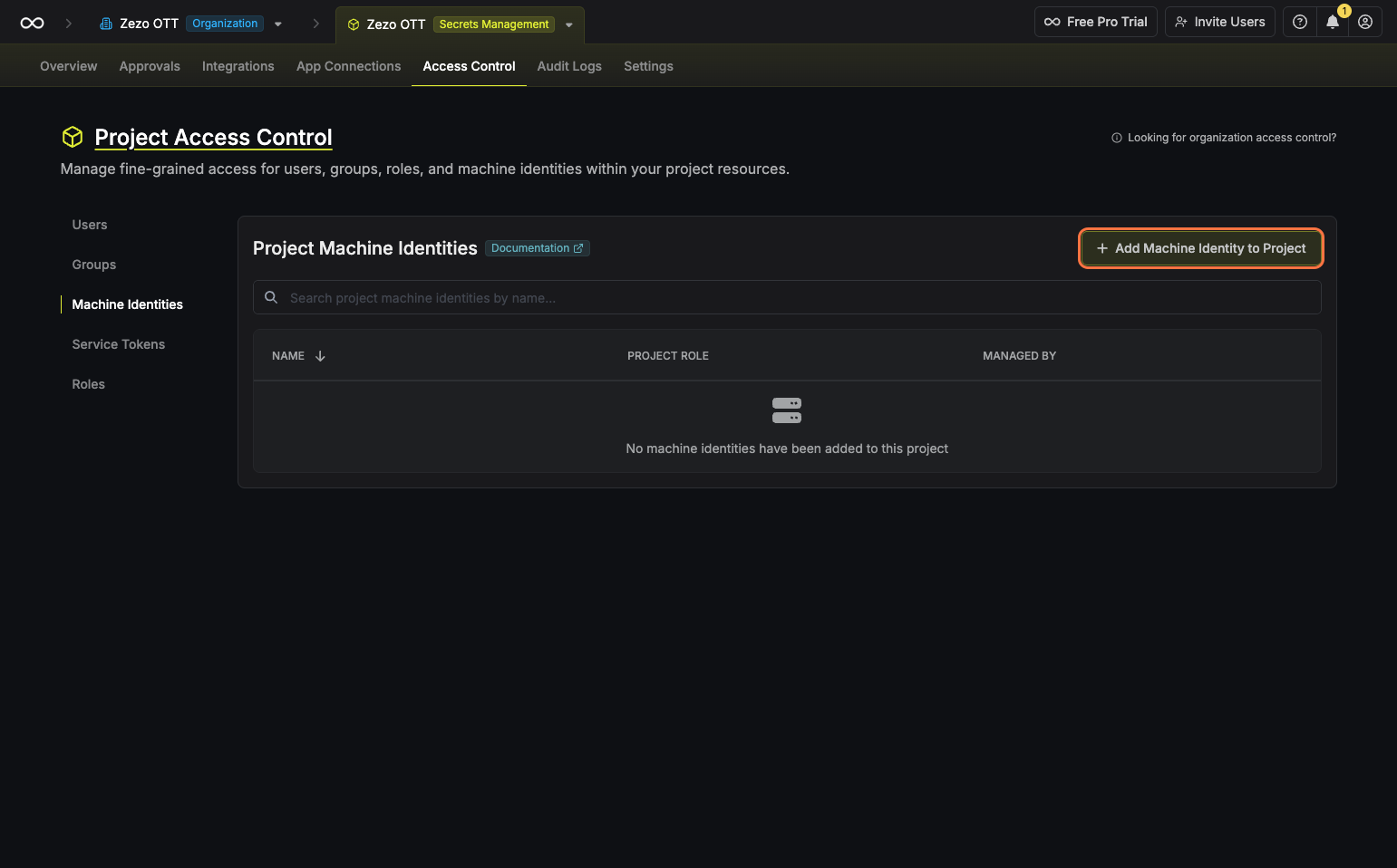
- Click Add Machine Identity to Project
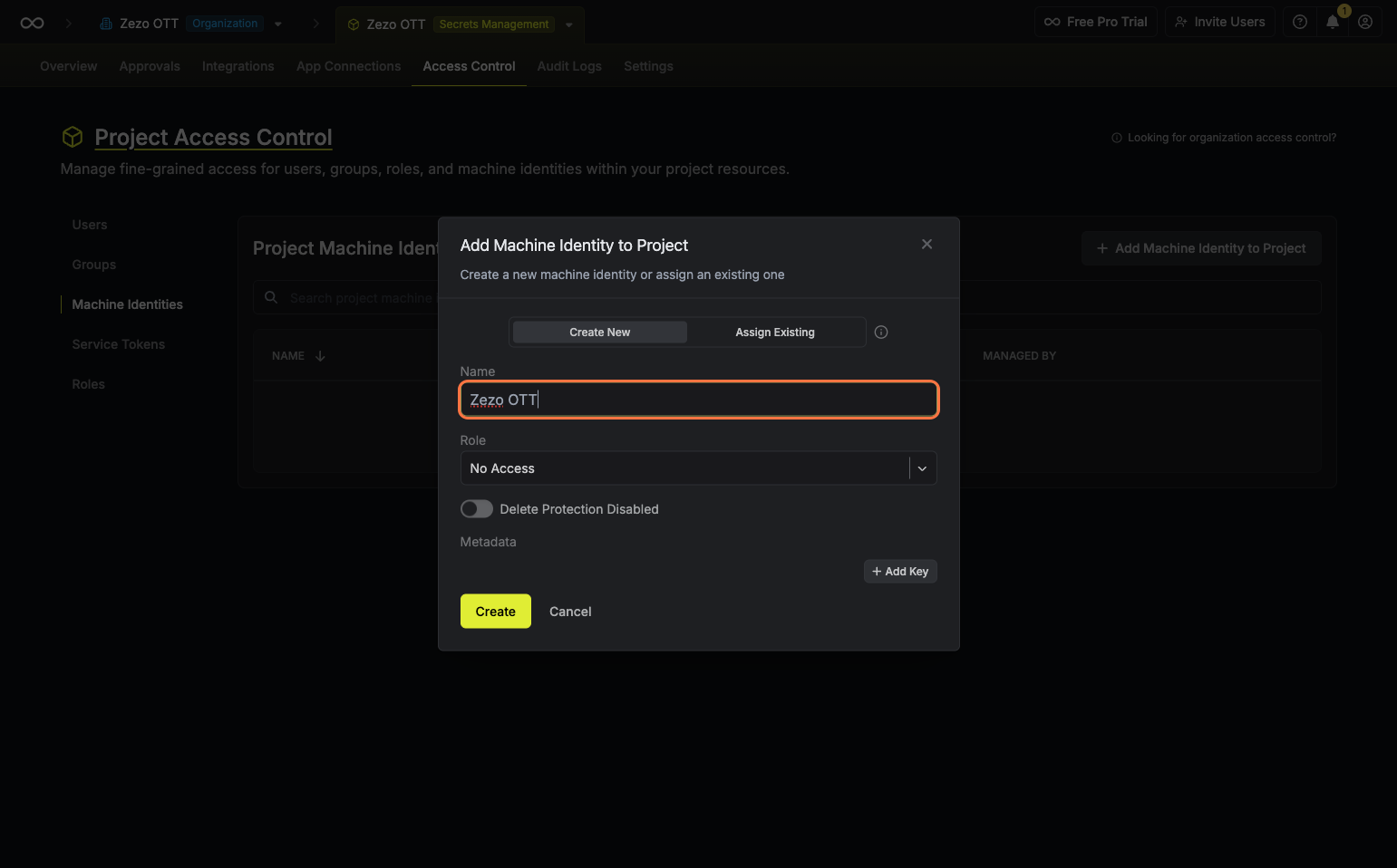
- Name it: Zezo OTT
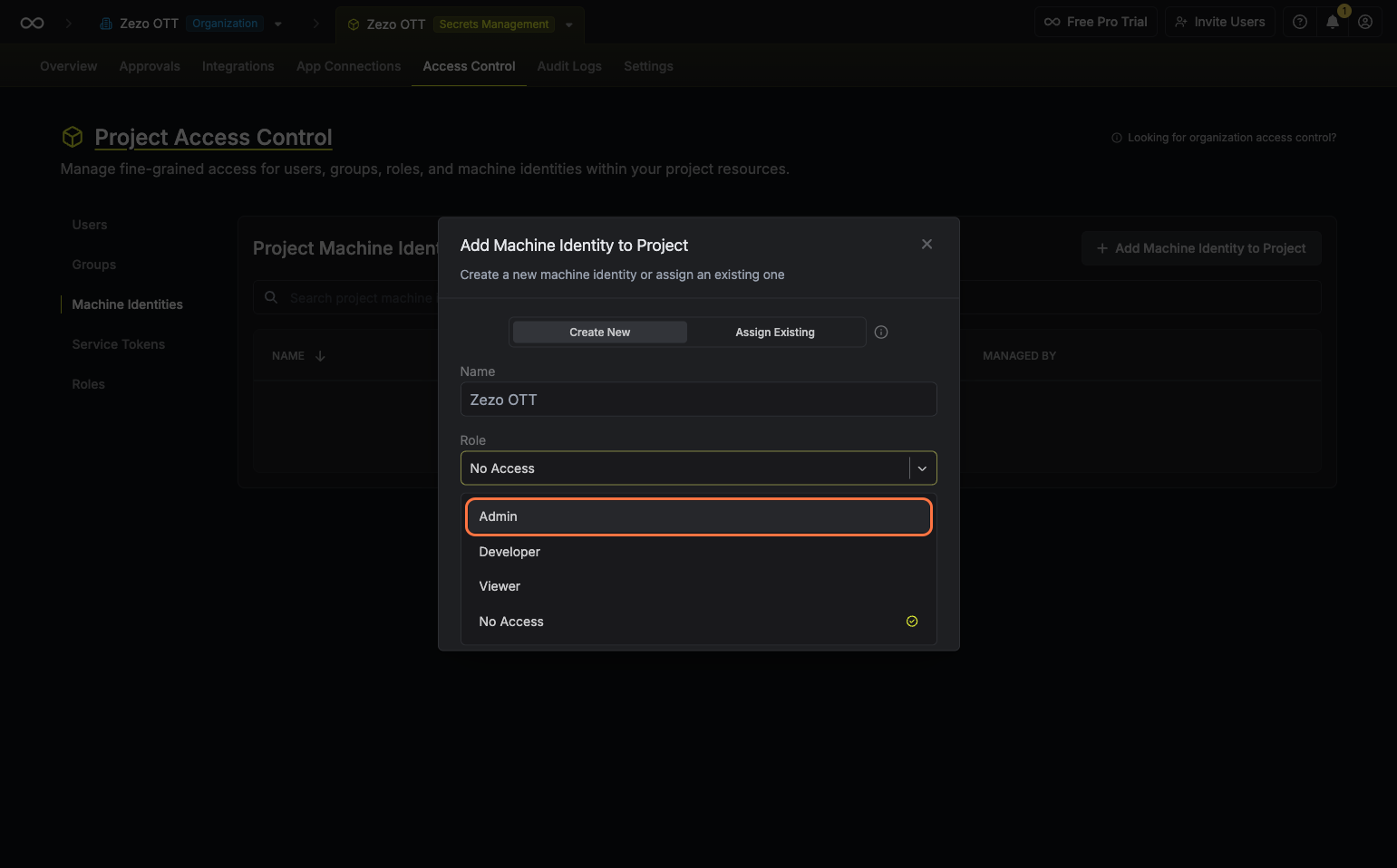
- Select Admin role
- Click Create
✅ This allows your backend full access to secrets.
🔑 Step 4: Generate Universal Auth Credentials
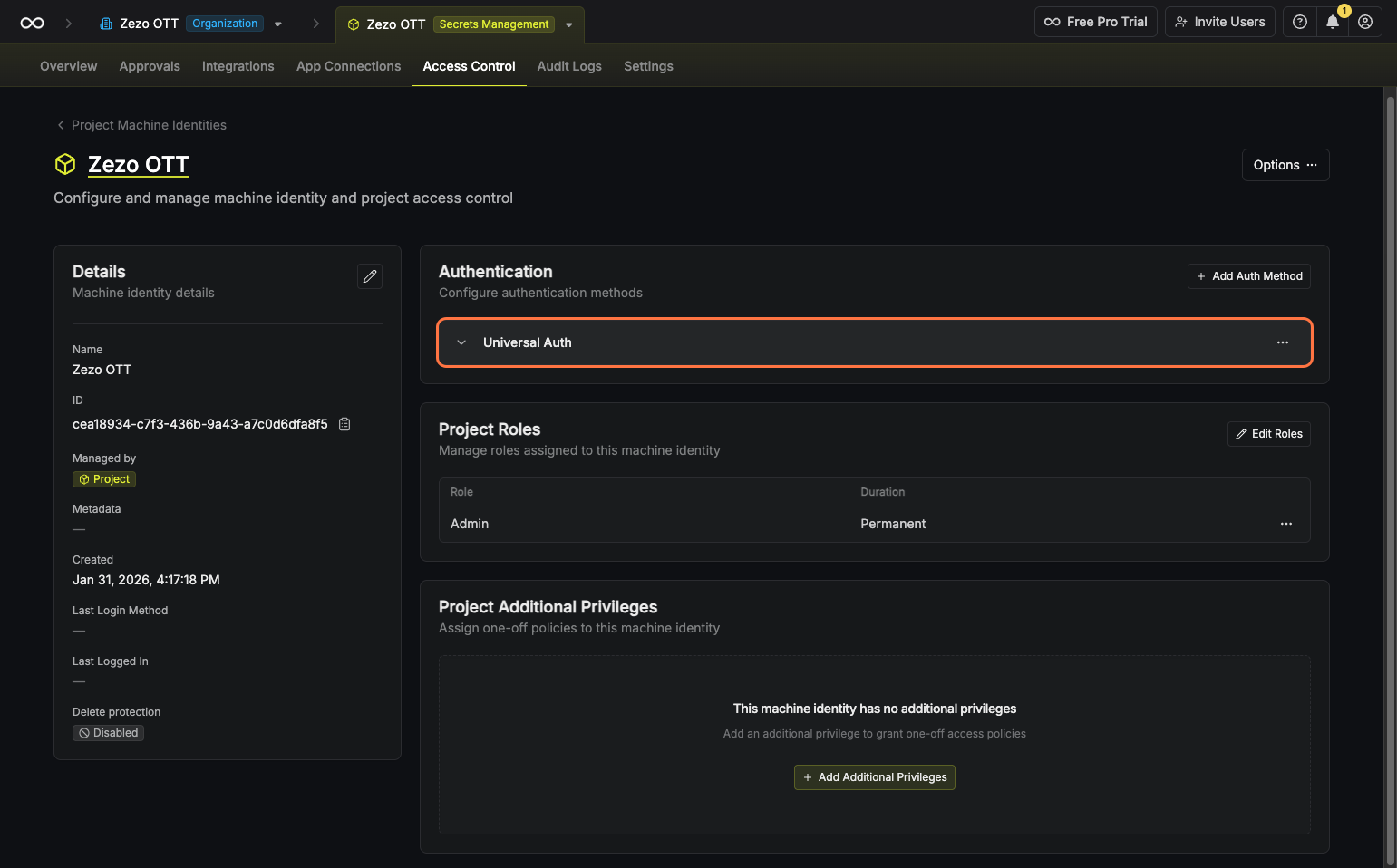
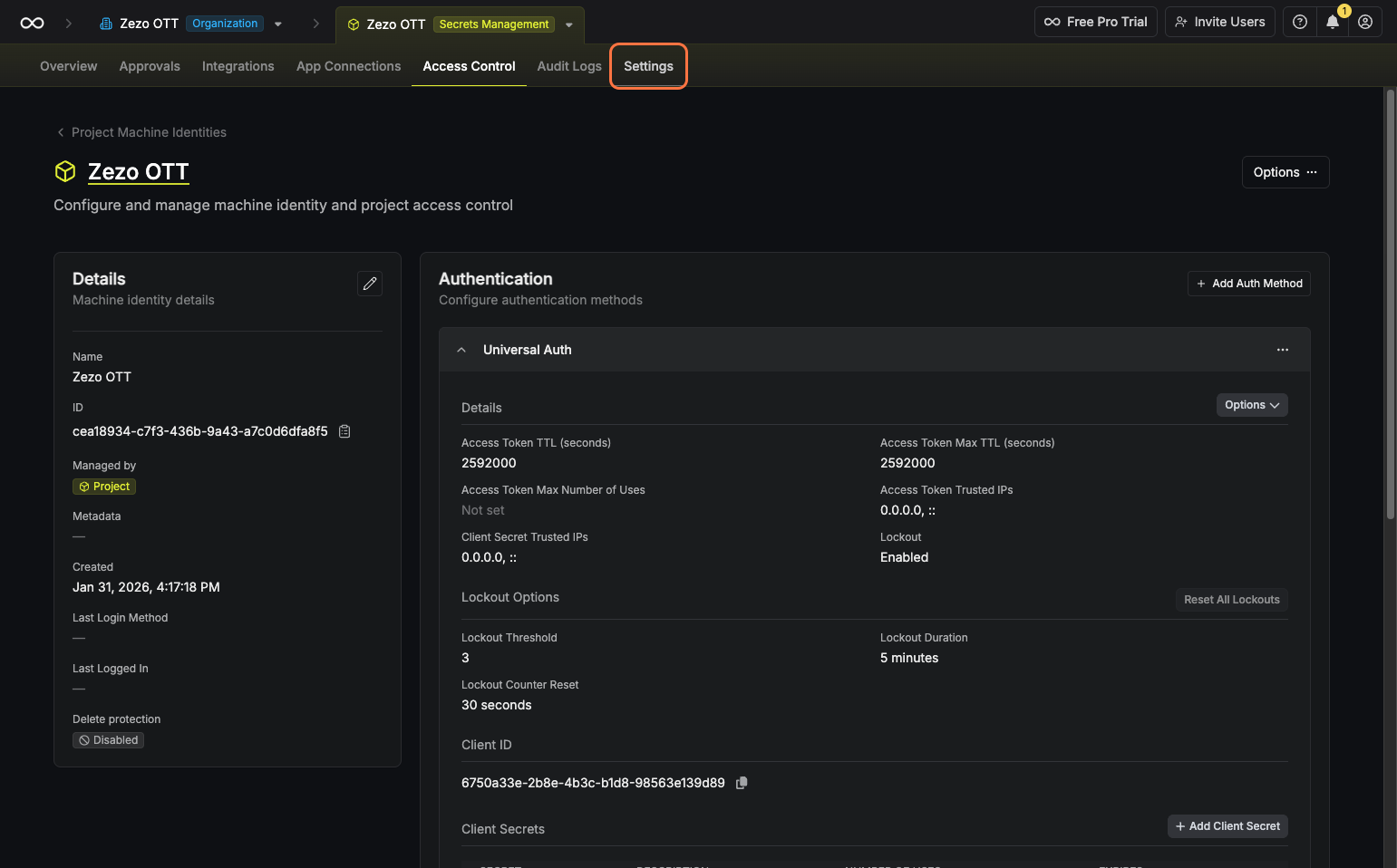
- Inside the Machine Identity, open Universal Auth
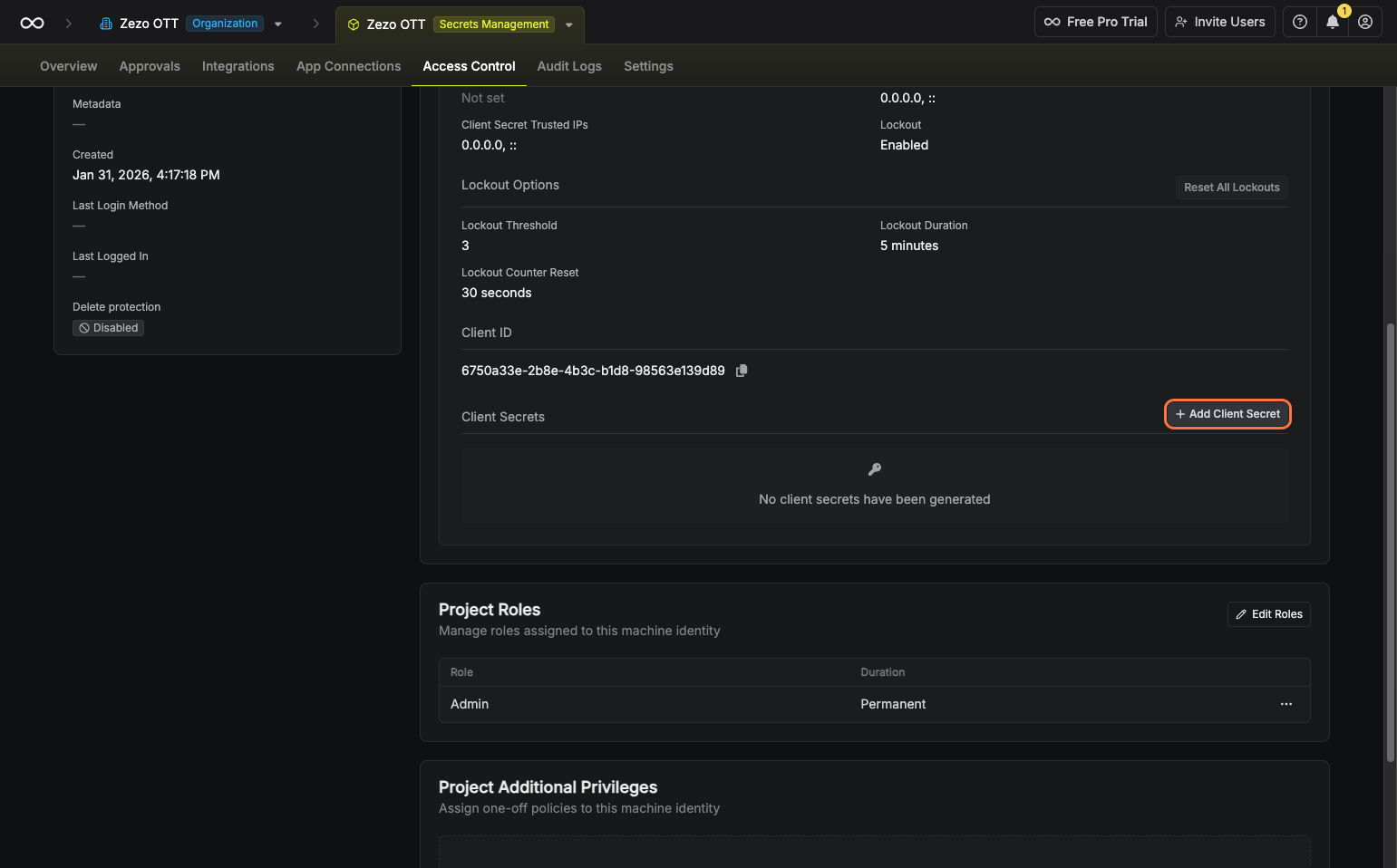
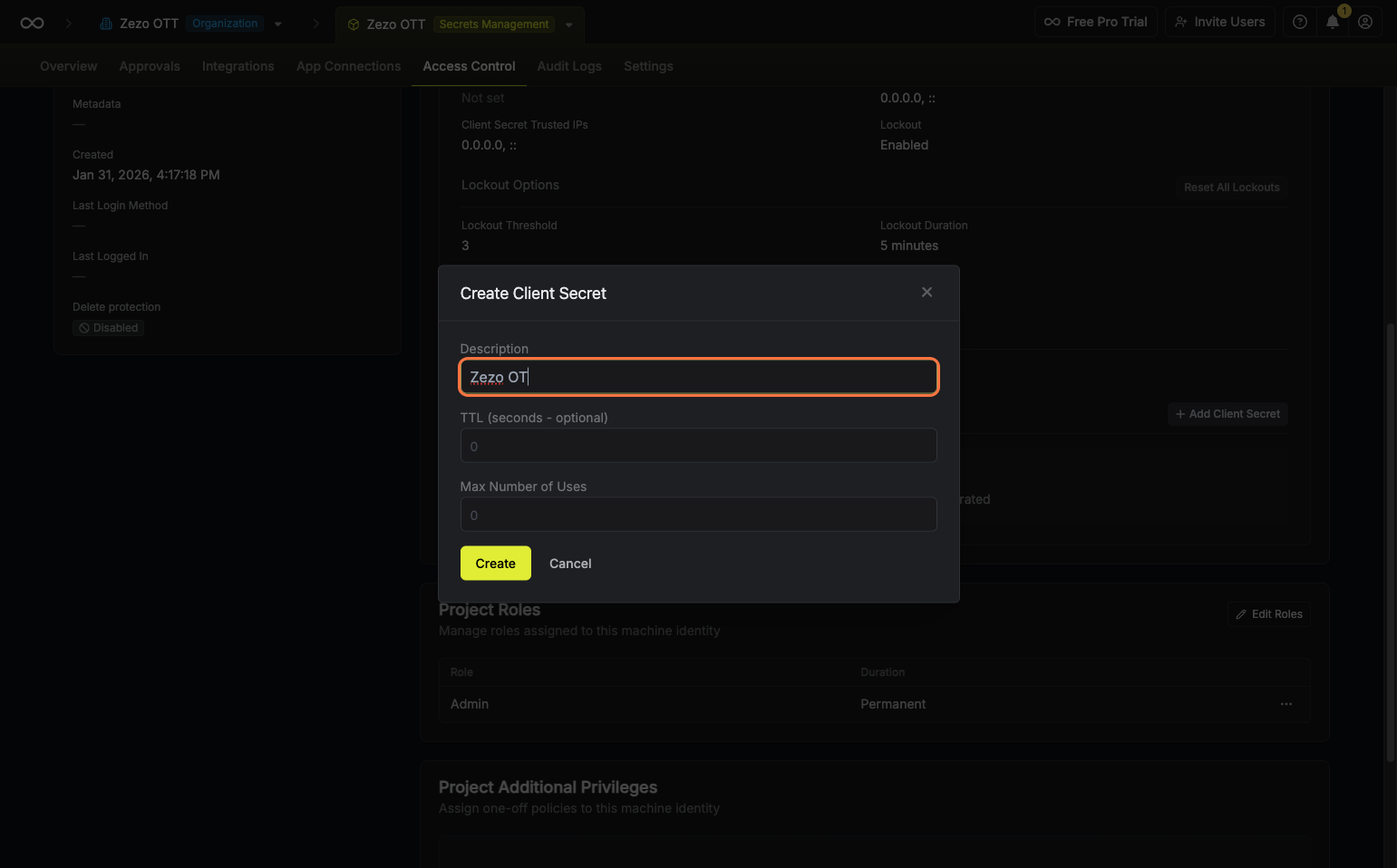
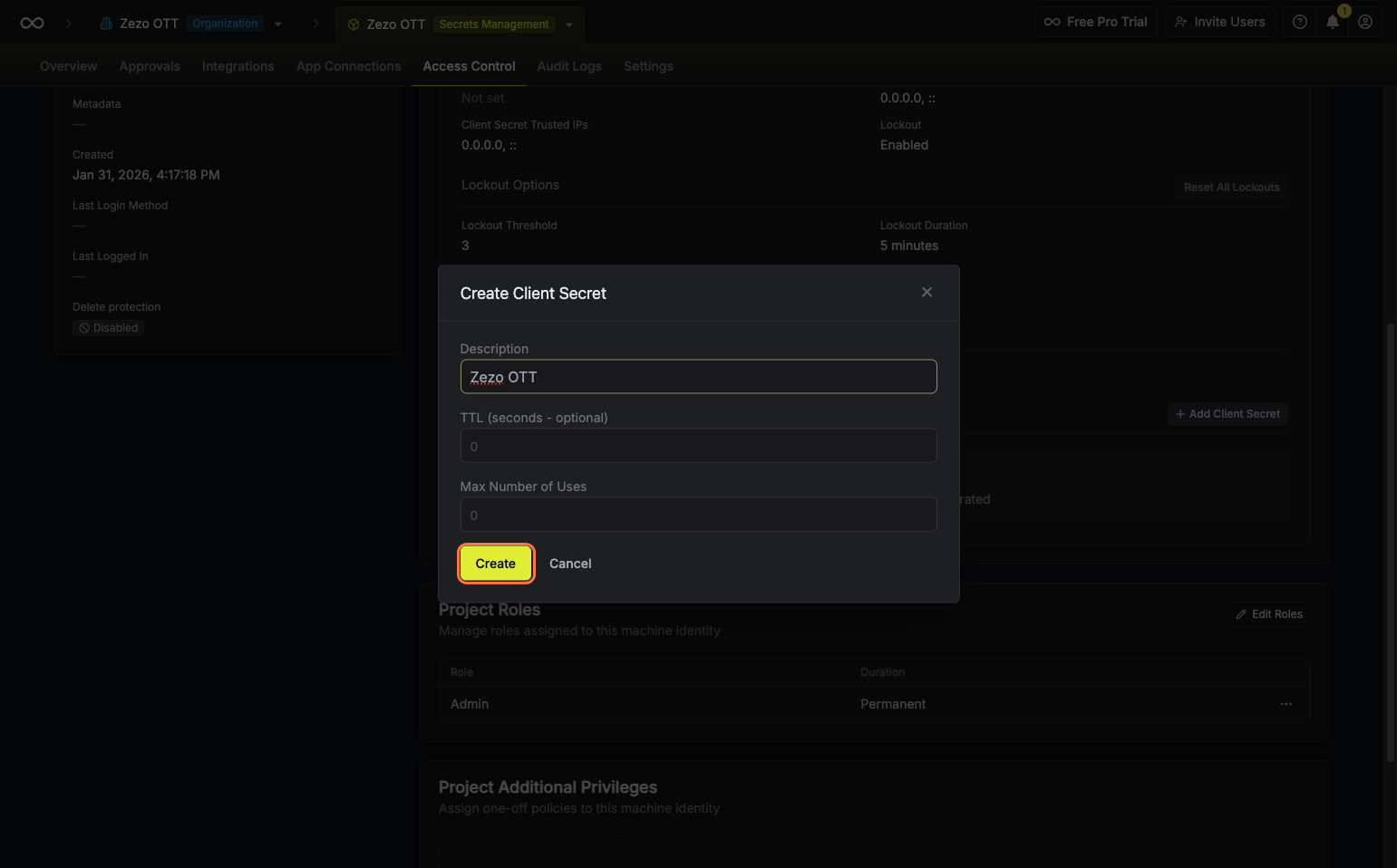
- Click Add Client Secret
- Name it: Zezo OTT
- Click Create
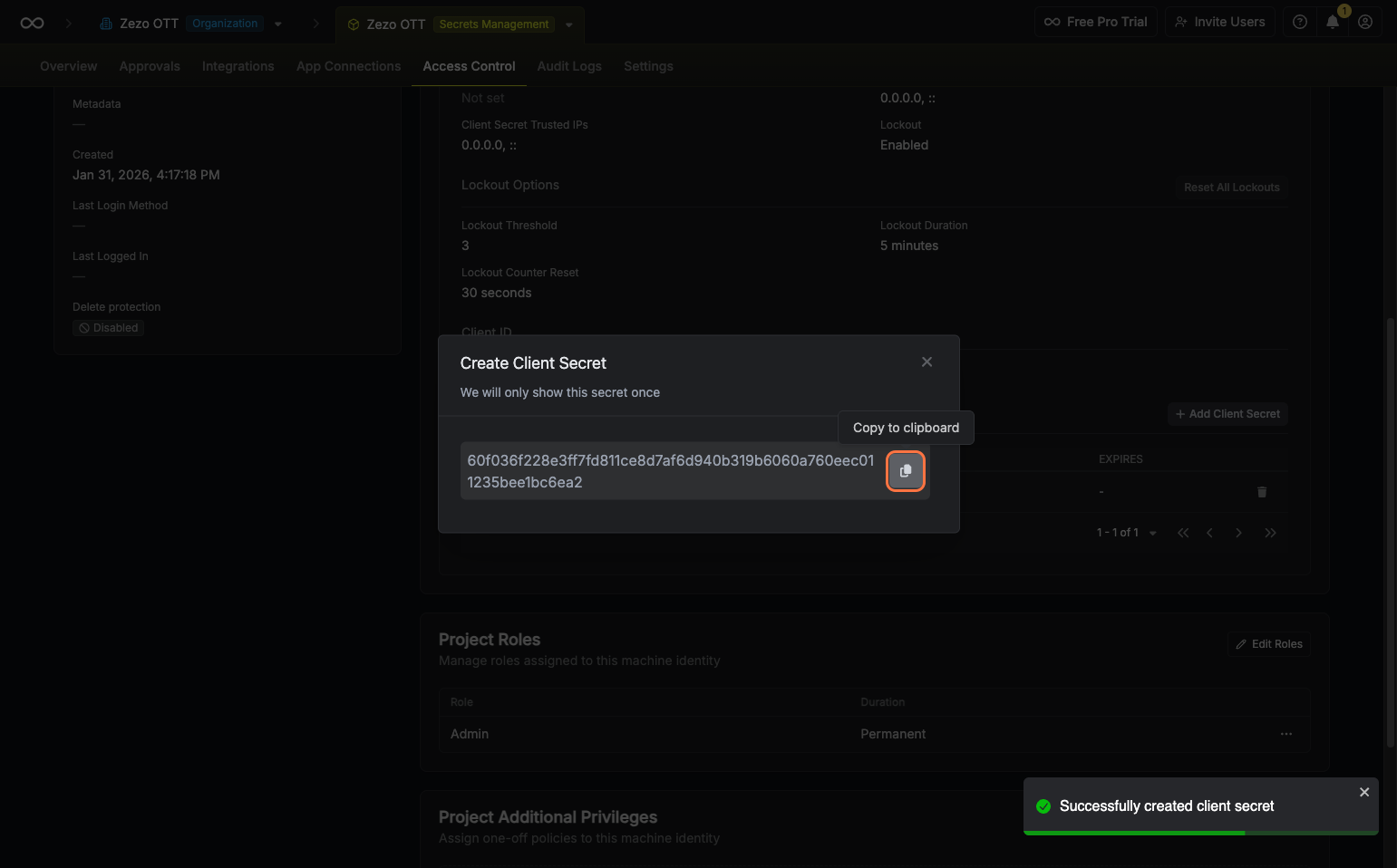
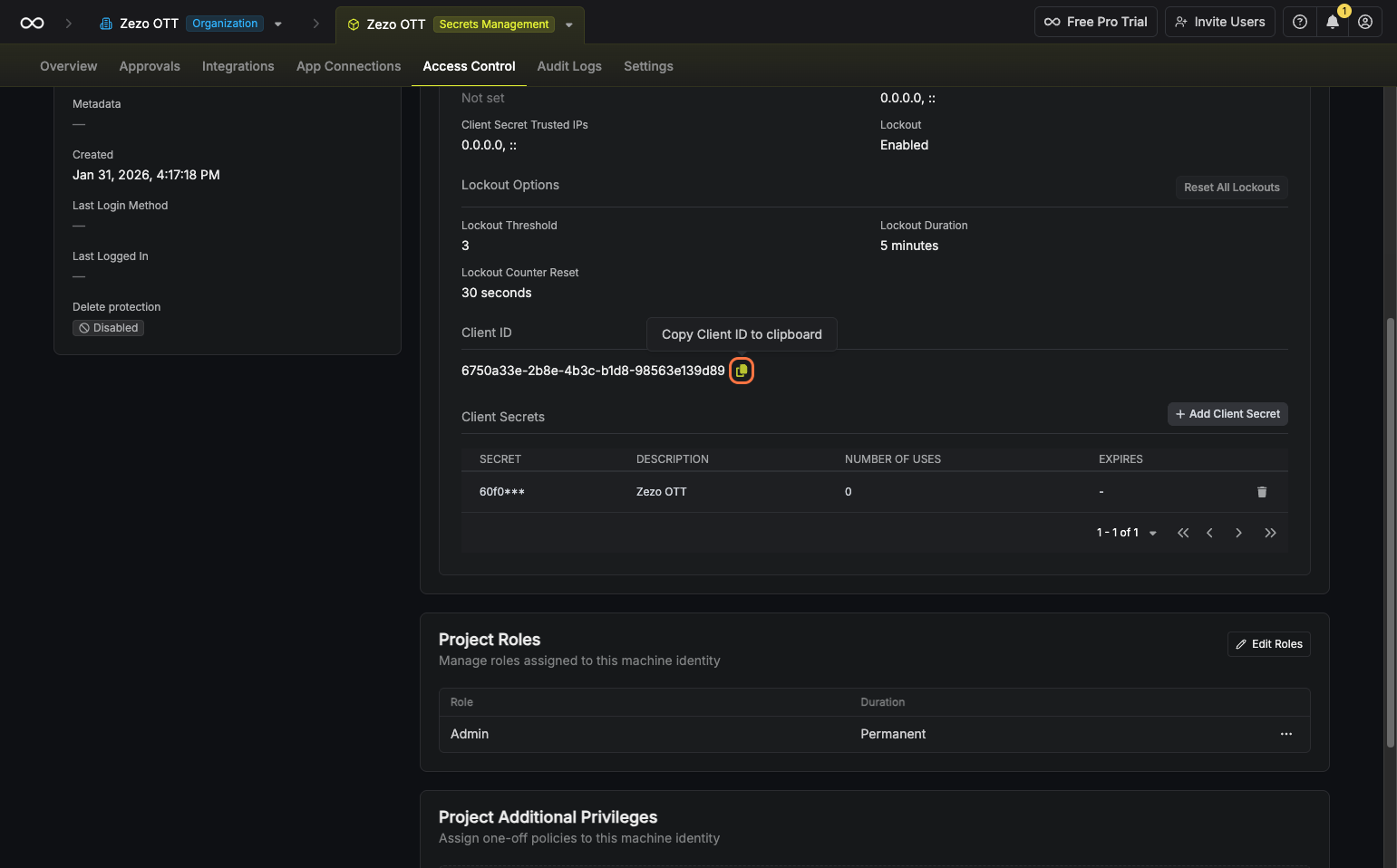
Now copy and store:
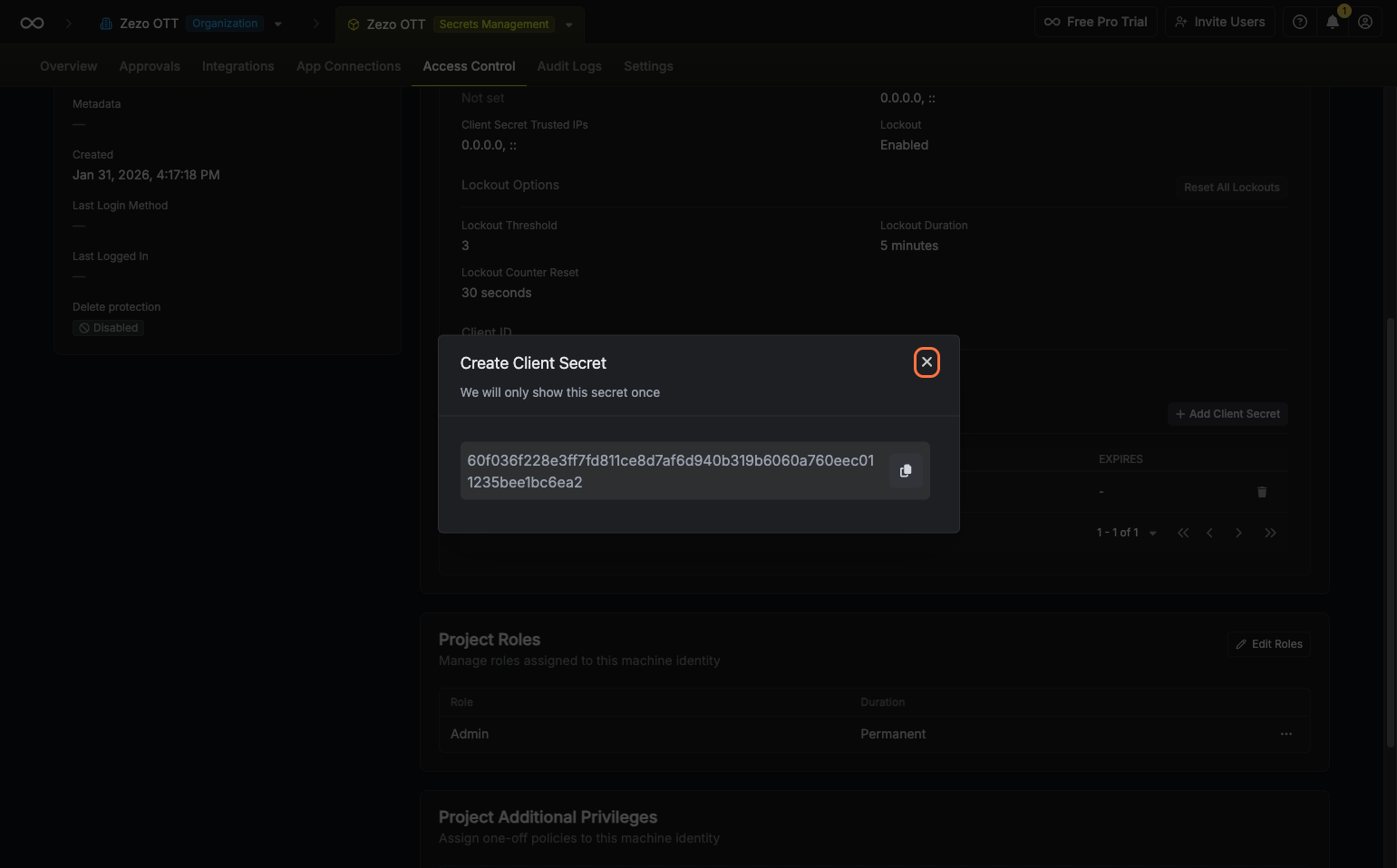
- Client Secret (shown only once)
- Client ID
⚠️ Keep these private. Never commit them to GitHub.
🆔 Step 5: Copy Project ID
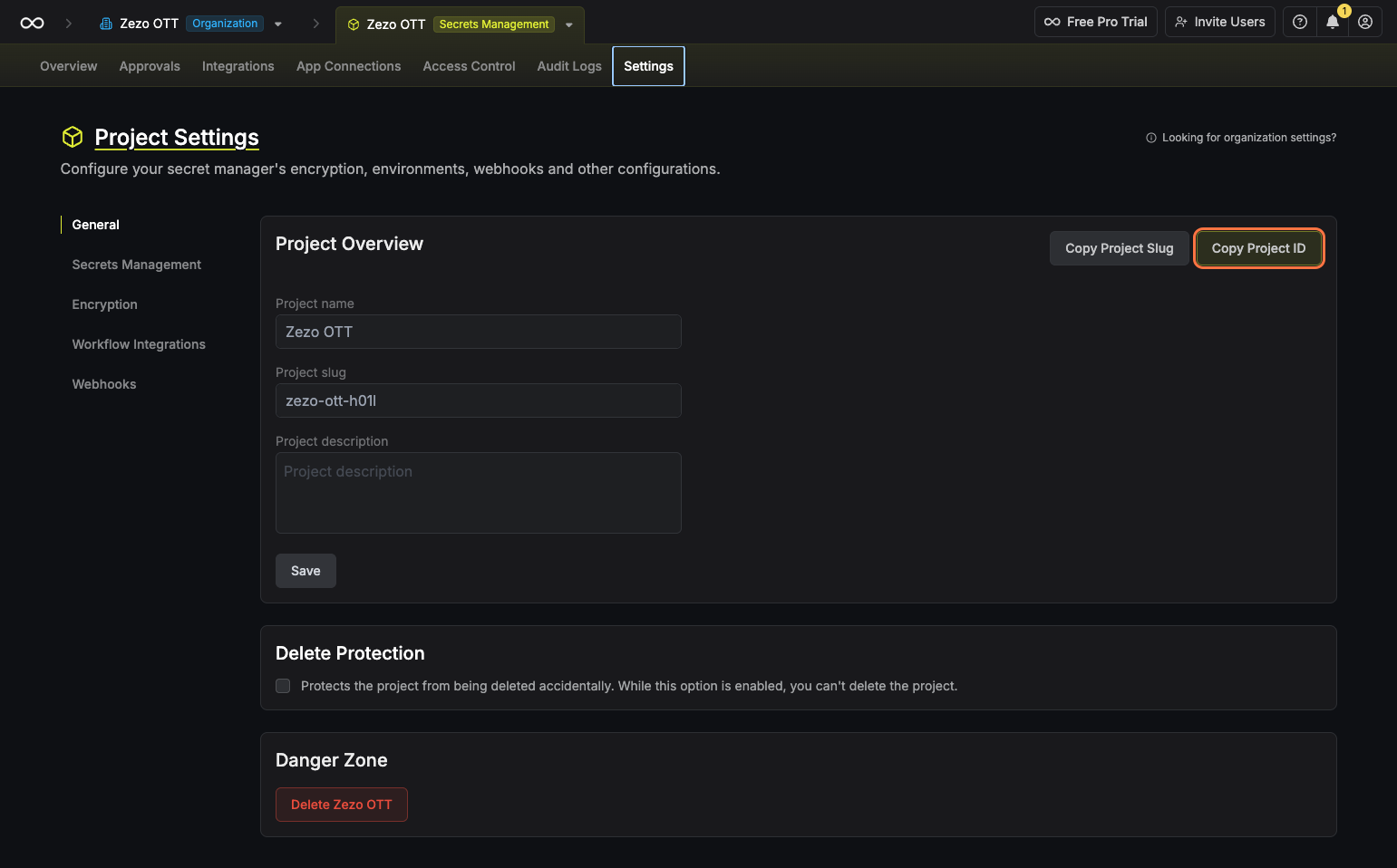
- Go to Settings in your project
- Click Copy Project ID
📋 Final Values You Need
You should now have three important values:
| Variable | Description | | ------------------------- | -------------------------------- | | INFISICAL_CLIENT_ID | Authenticates your backend | | INFISICAL_CLIENT_SECRET | Secure access token | | INFISICAL_PROJECT_ID | Identifies your Zezo OTT project |
🧪 Example: Using These in Zezo OTT Backend
INFISICAL_CLIENT_ID=xxxxxxxx
INFISICAL_CLIENT_SECRET=xxxxxxxx
INFISICAL_PROJECT_ID=xxxxxxxx
Your Zezo OTT API can now securely pull secrets at runtime instead of hardcoding them.
🚀 Why This Matters for Zezo OTT
Using Infisical helps Zezo OTT:
- 🔒 Avoid leaking API keys
- 🔄 Rotate secrets without redeploying
- 👥 Control access per environment (dev / prod)
- 🧠 Follow industry-grade security practices
✅ You’re Done!
Your Zezo OTT secrets setup is complete 🎉 You can now safely manage database URLs, JWT secrets, third-party API keys, and more.